
Summary: This photoshop tutorial will teach you to draw pringle logo and make it a wall graffiti
Everybody loves Pringles, right? well I do.
I have created a pringle logo on a wall, sorta wall graffiti type look.

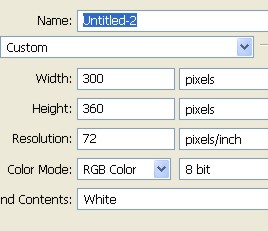
1. First of all open a new document
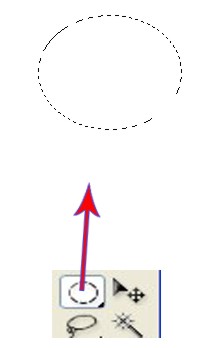
2. Draw a shape using Elliptical marquee tool.
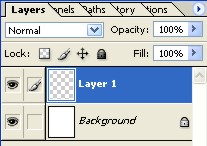
3. Select Layer 1.
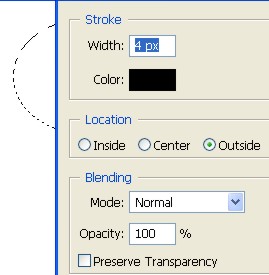
4. Select lasso tool then right click > Stroke .

5. On a new layer 2 draw a new shape and use color #[AE9446]
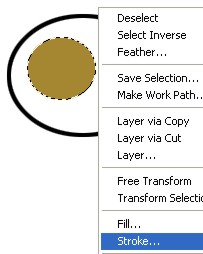
6. Make a copy of layer 2.
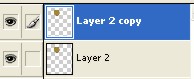
7. While pressing ctrl key and using mouse click layer 2. Now fill black color and then press Ctrl+T.
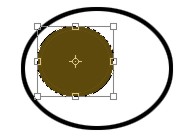
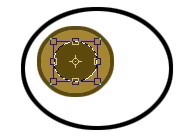
8. Draw a shape as shown below.
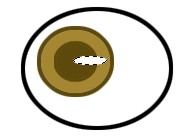
9. Press Ctrl+T and reduce. Well now we have an eye of the pringle man.
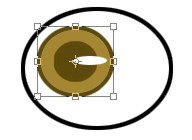
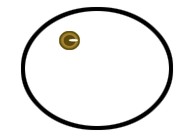
10. Use Ctrl

11. Use pen tool to draw the moustache and fill with color.
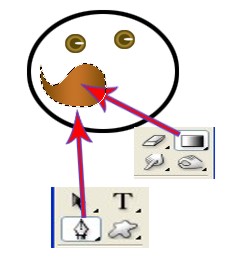
12. Right click to give Stroke.

13. Using Pen tool draw a single line as shown below and right click > Stroke path and then press ok.
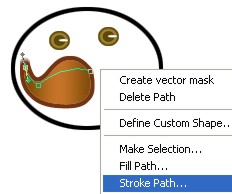

14. Now copy ayer 3 using ctrl J and then use Transform selection to move as shown below.
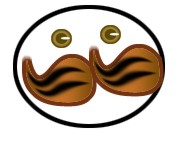
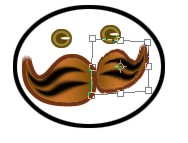
15. Create some hair using pen tool and fill the same color as you used in above steps.


16. Draw the shape as shown using pen tool. select a new layer and fill color.


17. 'Use Text tool and type pringles.

18. Now select layer option > type > wrap text. use settings as shown below.
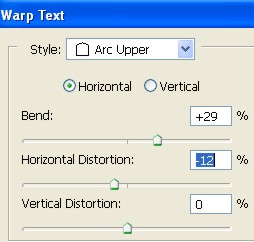

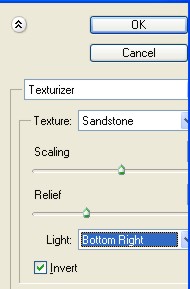
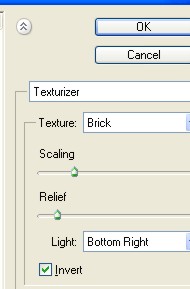
19. Merge all the layer using Ctrl + E then use Filter > Texture > Texturizer and press ok.
Use settings as shown.
20. Now our image is complete as shown below
