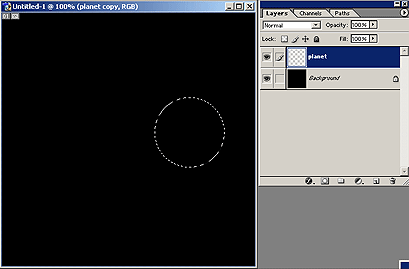
1. Create new document; RGB; 72 dpi; black background color.
2. Use Elliptical Marque Tool (M) select a circle of your choice.
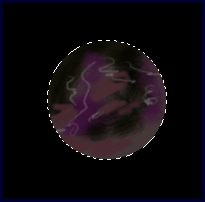
3. With Airbrush (Soft, round, opacity 100%, 50% flow) draw your future planet. Use different colors and make something like my picture. Don't deselect!
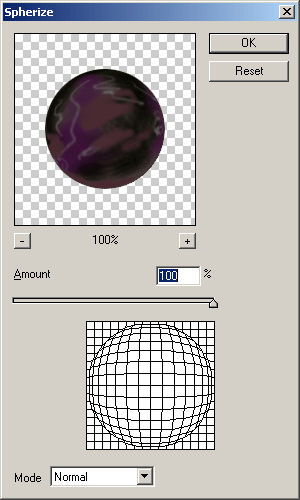
4. Apply Spherize filter with default settings. (Filter-->Distort-->Spherize).
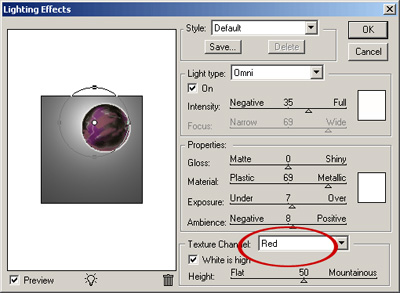
5. Now it's time to increase the expressiveness of texture. Do you remember? Well, Filter-->Render-->Lighting Effets.
Use Default Style, Omni, Red Texture Channel. Ok.
6. Your planet has to look like mine.
But not exactly of course.
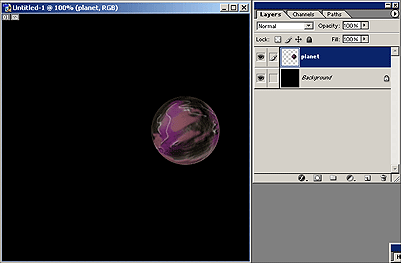
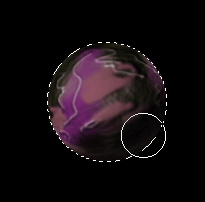
7. Ctrl + Click on layer "planet" to select it. Draw shadows.
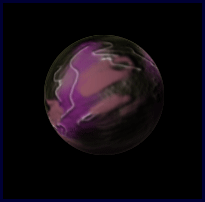
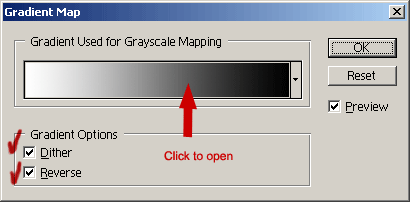
8. Now Go to Layer --> New Adjustment Layer -->Gradient Map.
Check Dither and Reverse, click on gradient to open Gradient Editor.