

Select a photo, having pictured a car on it, like that one from below. The file should have 1024x768 px and 72 dpi.
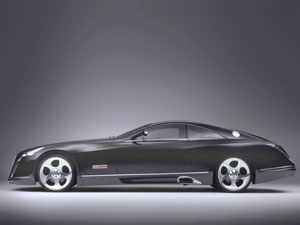
Now we should paint it out. It's necessary to take a brush of black color to dark out the windows. Everything that is not necessary must be erased.
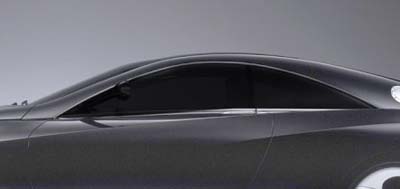
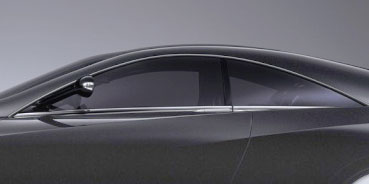
Fill 83% on the layers and set the layer's options on Soft Light.
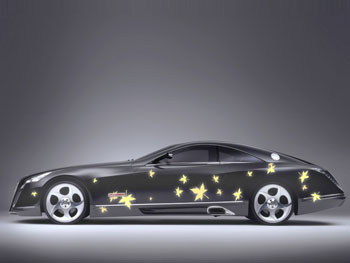
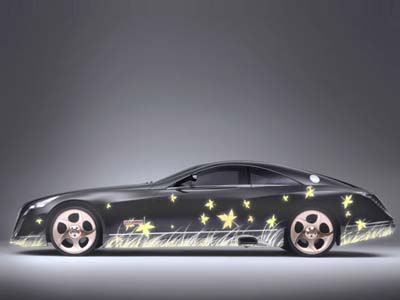
Select a brush's cliché from the next table with the right mouse's button on a new layer.
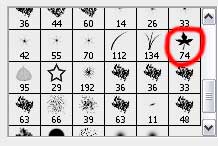
Try to represent several leaves on the lateral car's surface, which color should be FFEE9B. Make the supplementary corrections with the usual eraser.
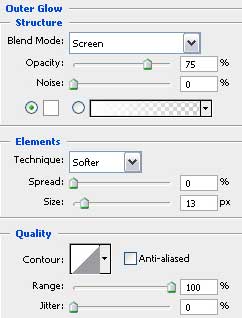
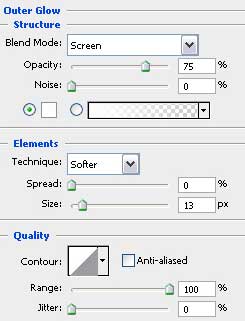
Blending Options-Outer Glow
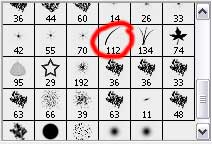
Select a brush's type on a new layer again.
And apply the same color we did with the leaves.
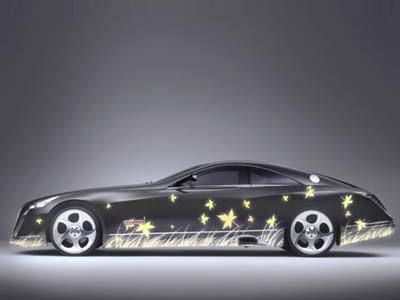
Blending Options-Outer Glow
Now we have to paint out on a new layer the car's disks. Choose this color for them - B29D99.
Change the Normal layer's type on Color.
Open a new layer again and paint out the car's body with FFBE33, select the eraser if that is necessary.
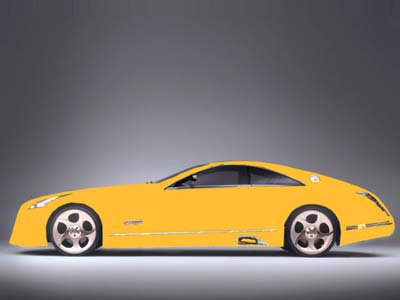
Change the layer's Normal type on Color.
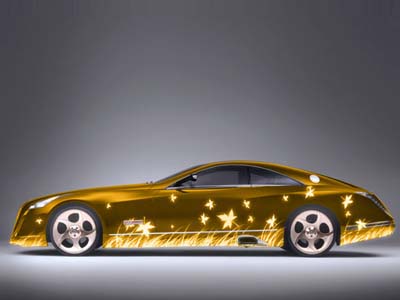
Apply on a new layer a brush with blurred edges and two colors, just to paint the upper part of the car. Unnecessary elements should be erased with the usual instrument.
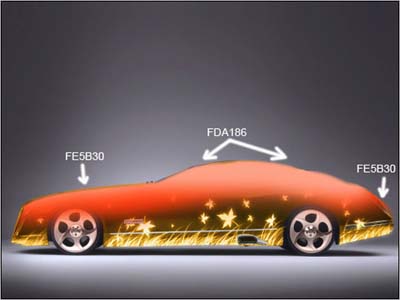
Change the Normal layer's type on Hue.
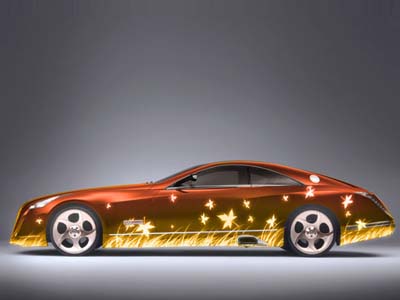
Open a new layer. Select also a brush with blurred edges and paint out the upper part of the car with a different color, this time with FEFE00.
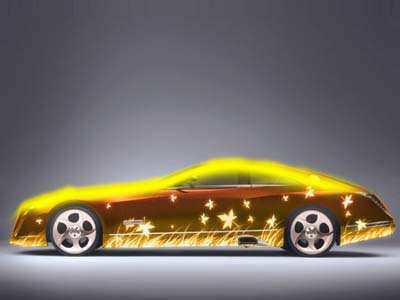
Unnecessary elements should be erased. Now we should change also the Normal layer's type on Hue.
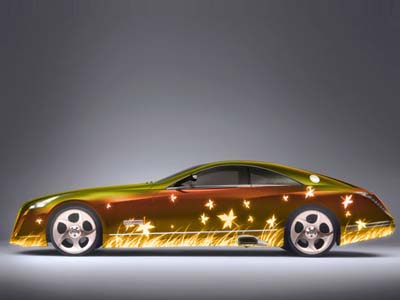
The last feature includes opening a new layer firstly. Then select a brush with blurred edges, CB8B02 color and paint out the lowest part of the car. Select this instrument
 to erase everything that gets outside the car's body.
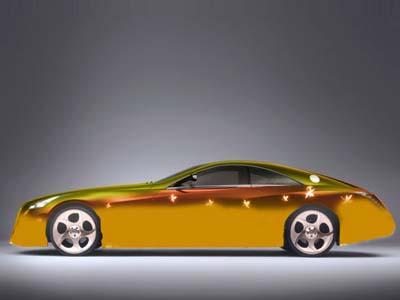
Set the Soft Light on the layers.
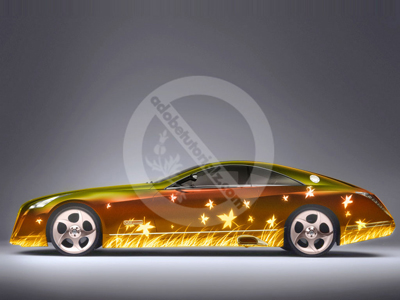
The illustration is finished!
