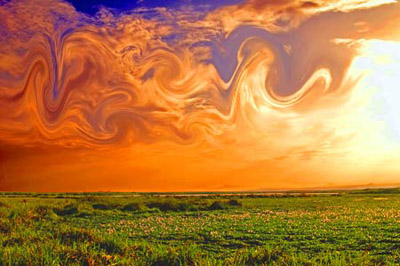
1. Open up your picture (with clouds)

2. Duplicate the layer, and set the Blending Mode to "Vivid Light"
3. Use the Eliptical Marquee Tool to select portions of the clouds, then use Filter>Distort>Twirl (with Either +100 or -100) on the clouds (to get nice effect use multiple times)
4. You might have to use Layer>New Adjustment Layer>Hue/Saturation to get a good fire look
Viola: