Step 1
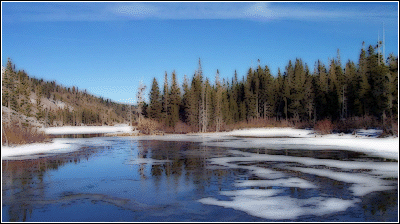
Open your image of choice, heres mine and i've added a simple border for presentation.
Step 2
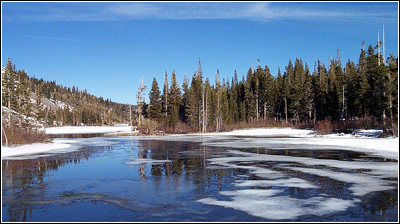
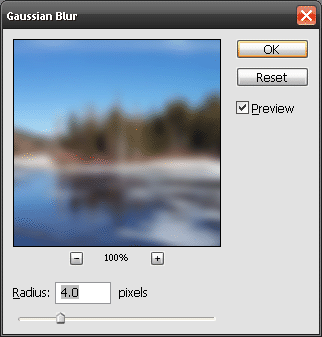
Duplicate this layer and make sure it's above the other layer, now go to 'Filter > Blur > Gaussian Blur, for radius use 4 pixels.
Step 3
Now set this layer to 'Darken' and if the effect is a little heavey turn the opacity down, I turned it down to around 80%. Both are these are located on the layer Palette.
Final