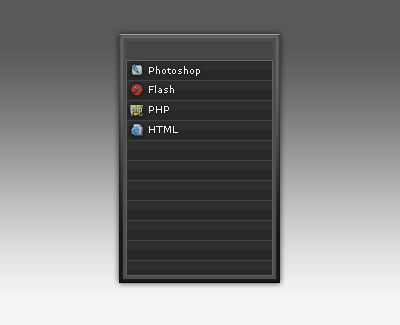
Step 1
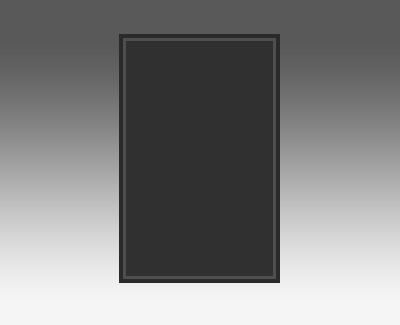
Open a document and create some sort of light background and then using the rectangle marquee tool create a shape like the below and then fill it with '#303030'.

Step 2
Now we're going to use some little tricks, select the layer and it's area with the magic wand tool(top left, on the tools palette), now go to 'Select > Modify > Contract' and contract this by 3 pixels, then fill it with '#4e4e4e'(make sure this is on a new layer). Now do the exact same thing on a new layer but contract by 2px.
It should look like the below:
Step 3
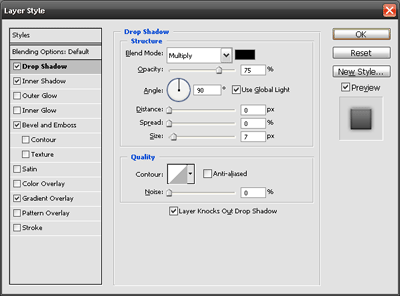
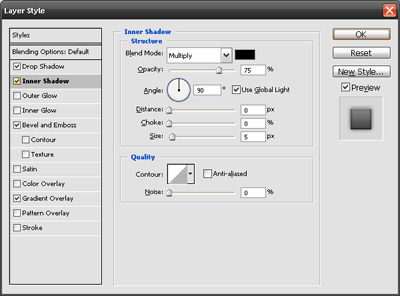
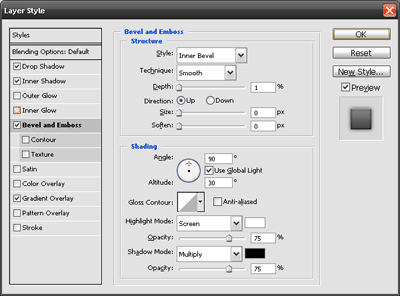
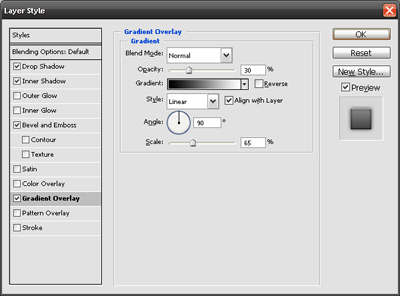
Now we're going to add some blending options, select the first layer of the navigation and add the following blending options.
Drop Shadow
Inner Shadow
Bevel and Emboss
Gradient Overlay
Preview
After doing this the navigation should look something like the following.

Step 4
Now using the rectangle marquee tool create a rectangle inside the navigation from left to right, with a height around 50pxs, fill it with a dark colour but make sure it's noticable, it should look like this:

Step 5
Now we'll just spice the inside up again, using the pencil tool draw around the inside to create a seperator, I used a the colour white (#FFFFFF) and then turned the oppacity down(This can be found on the right hand side of the layer palette). It should look something like the following.

Step 6
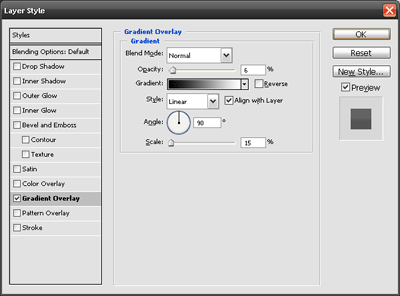
Now we'll create our first link area, just like before create another rectangle big enough to contain text inside it, now fill it with '1e1e1e' and add the following blending options.
Gradient Overlay
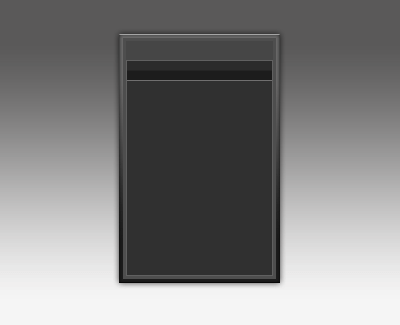
I've added a 1px white line below this rectangle to seperate the links, I've also turned the oppacity down till it fits in.
Step 7
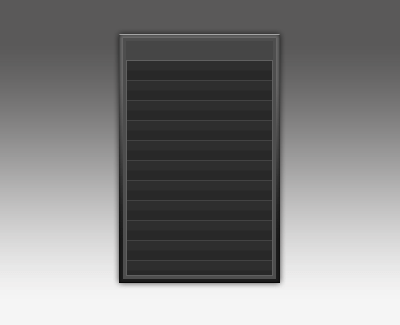
Now i've merged the navigation text areas and then duplicated the layer down, this is for all the links which will be listed, here's a preview.
Note - I've also turned the opacity down to make it flow a little better.
Step 8
Now we're going to finalise the navigation design, adding text, images and such things to make it look like a real navigation, check out my final navigation below to get some ideas.