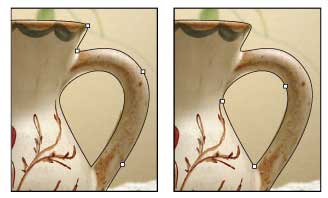
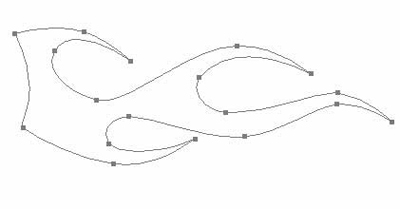
This lesson I'll tell you how to use the Pen Tool. This unique instrument gives us the possibility to represent vector images, which don't rasterize, but we can change their sizes and still remain images of high quality. The corresponding button for the Pen Tool is P button.
The basic instrument represents the points D and E, which should be joined between them with a curve A. This way we can represent a circle.
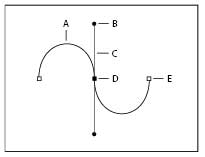
Any point may be corrected with the Convert Point Tool, using point B.
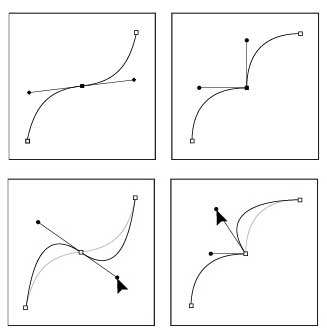
When holding the Ctrl button on the point, we may move it on the necessary place.
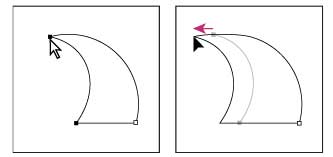
Using this combination, we may correct also all the points and curves.
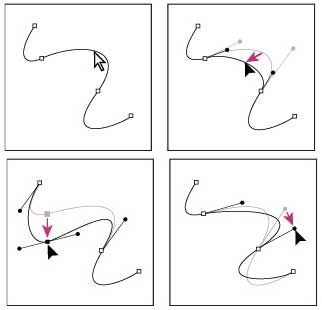
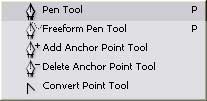
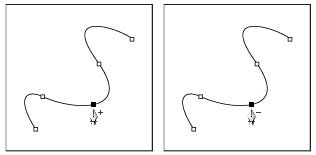
We may also add or move off any point, using Anchor Point Tool.
Applying this instrument, we may also represent different figures. When outlining different pictures, we can represent objects which will look very real.