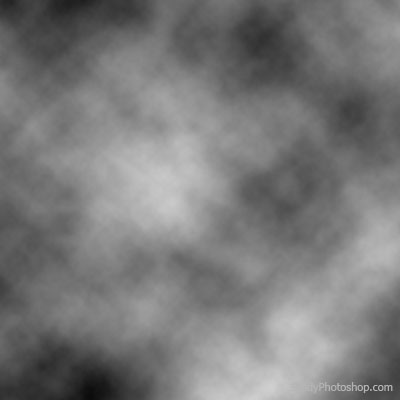
1. Create new file [Ctrl+N], Background - White, Foreground - Black (D). Choose Filter > Render > Clouds.
2. Choose Filter > Sketch > Chrome.

3. Choose Filter > Distort > Twirl (50-100grad).

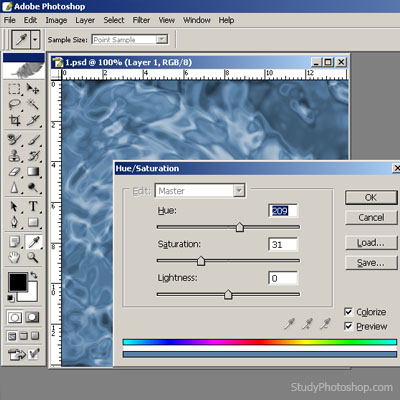
4. Let's color the water [Ctrl+U].
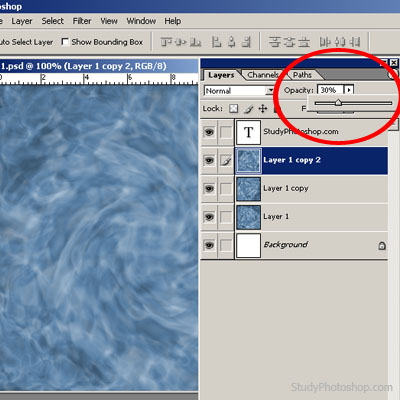
5. Let's make 2-3 new layers [Ctrl+Shift+N] and repeat points 1-4. Don't forget to set different "Opacity" for each layer: 1st layer - 100%, 2nd layer - 50%, 3rd layer - 30%.
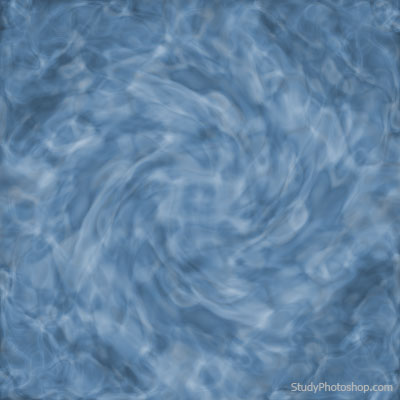
6. Now we have a realistic 3D water surface.