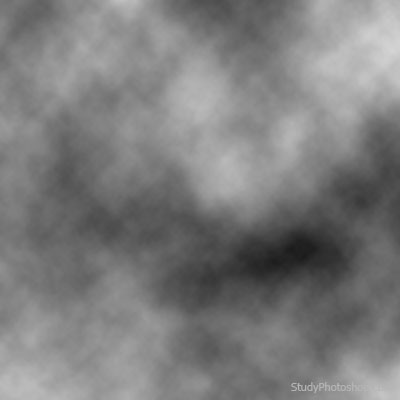
1. Create new file [Ctrl+N], Background - White, Foreground - Black (D). Choose Filter > Render > Clouds
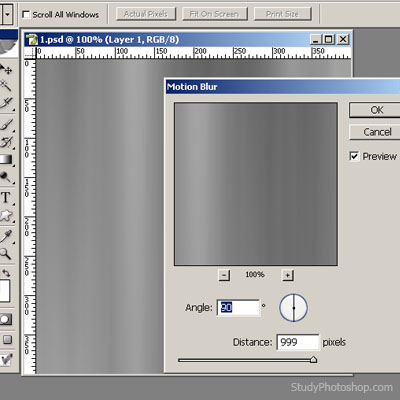
2. Choose Filter > Blur > Motion Blur
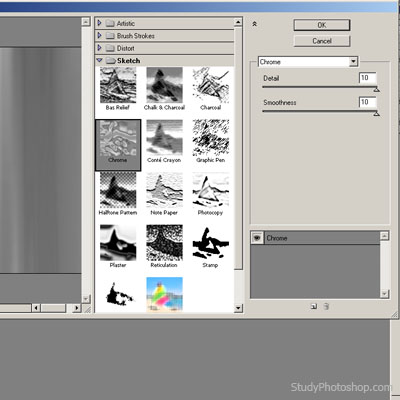
3. Choose Filter > Sketch > Chrome
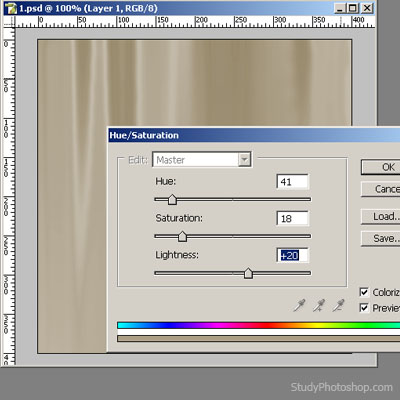
4. Colour your tree [Ctrl+U]
5. Choose "Elliptical Marquee Tool" and choose ellipse, then choose Filter > Distort > Twirl
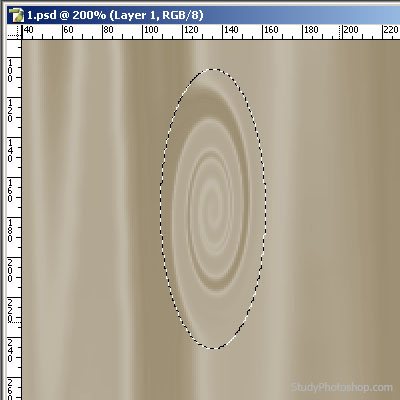
6. Repeat point #5 several times with different Twirl settings and ellipses sizes