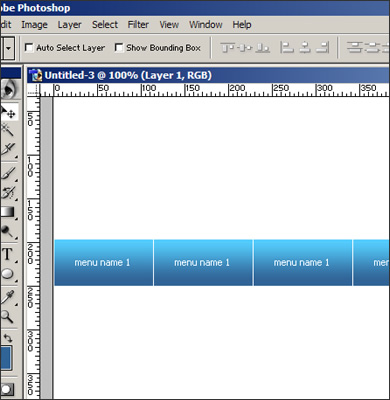
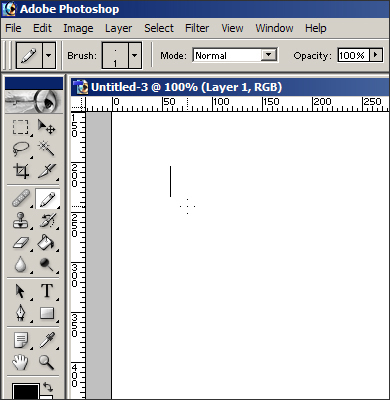
1. Choose new layer (Ctrl+shift+N) and an instrument "pencil" (B). Draw vertical line.
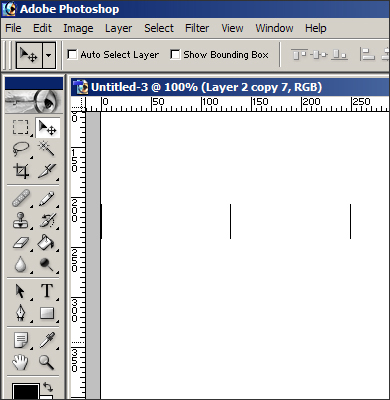
2. Duplicate the line (alt+shift+mouse move) in compliance with amount of menu items. Extreme lines adjoin to the edges of the template.
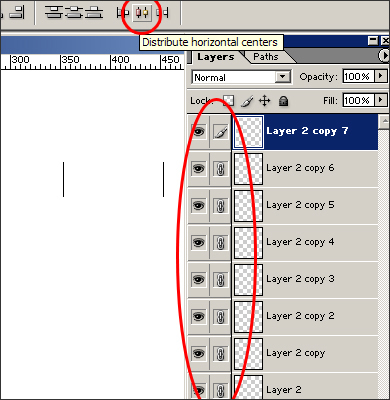
3. Link the layers and choose an instrument ("distribute horizontal centers").
4. Create a folder, then make a selection between two lines and cover (G) it with the desired color.
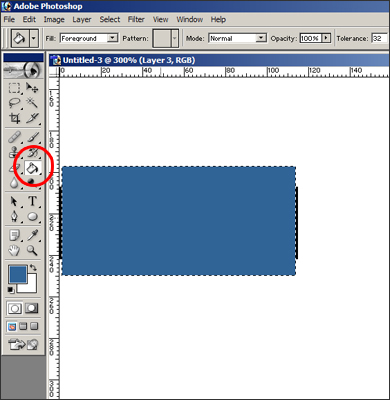
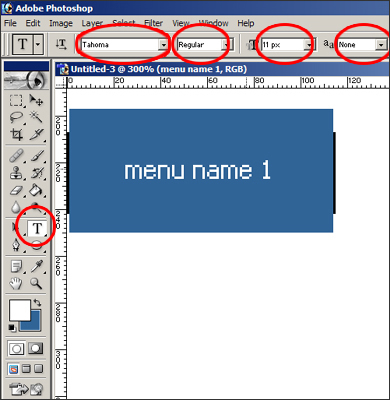
5. Remove the selection (Ctrl+D), choose an instrument "text" (T), write the name of a menu in a necessary font and size.
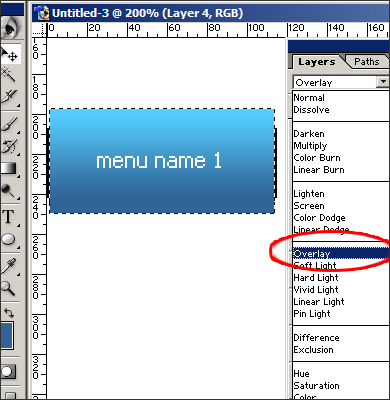
6. Create a new layer and cover it with a white gradient.
7. Choose "overlay" in properties of the layer.
8. Copy the folder with our button.
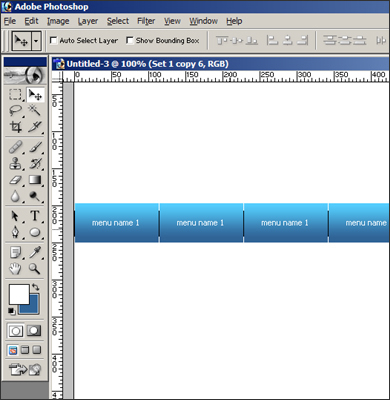
9. Delete auxiliary lines.