Draw this circle with ellipse tool. Use #283C55 color to fill the shape :

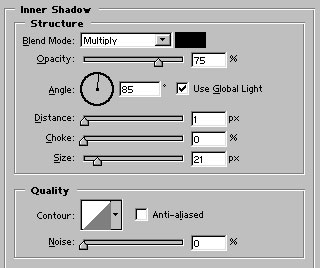
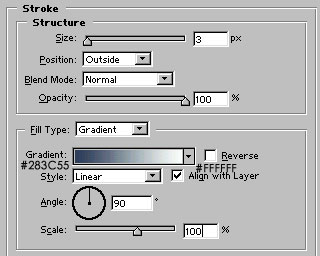
Apply these layer styles in it :

Control+click on its layer name in layer palette to select it. Create a new layer and fill the selection with white color as shown.

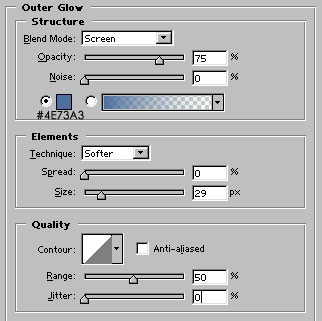
Apply Outer Glow as shown:

Create another layer. Fill the layer as shown with #606F82 color :

Draw the cloud shape with the help of auto shapes as shown :

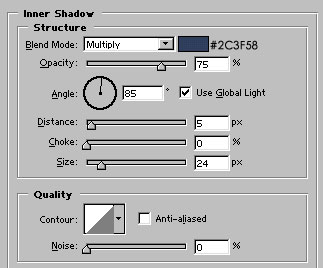
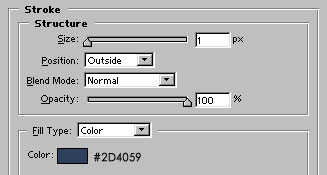
Apply inner shadow and stroke as shown :

Finally, add lightening below the cloud as shown. Our weather icon is ready :)