

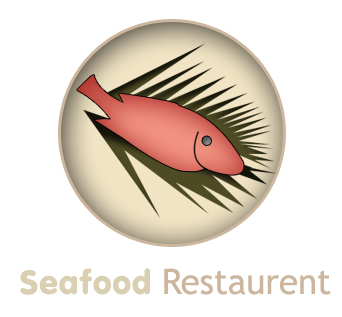
In this tutorial, you will learn to create nice looking logo for a sea food restaurent. Final output of the sea food restaurent logo can be seen below :
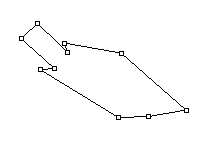
Start by creating this path with pen tool :
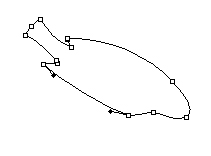
Adjust the nodes as shown :
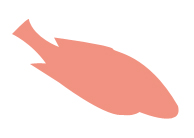
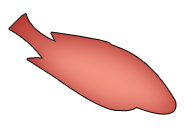
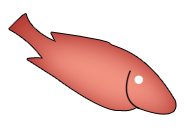
Create a new layer and press control+enter to select the path. Fill the selection with #F29282 color.
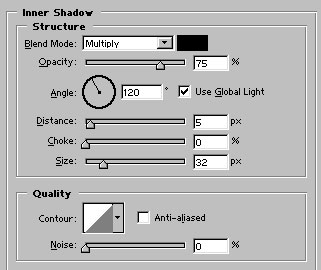
Apply these layer styles in it :
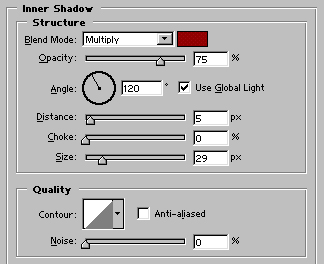
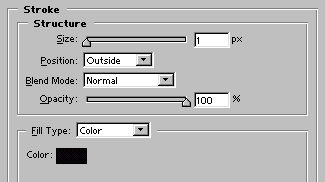
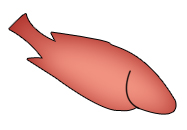
Create another layer. Draw this mouth shape with pen tool :
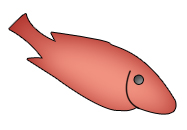
Draw a white colored circle with Ellipse tool :
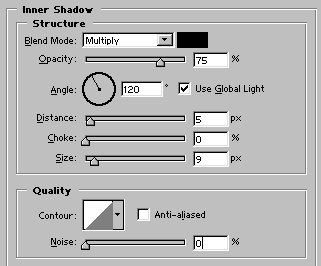
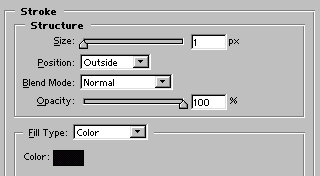
Apply these layer styles in it :
Create another layer. Use polygonal lasso tool to make a selection like shown in the figure :
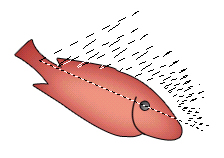
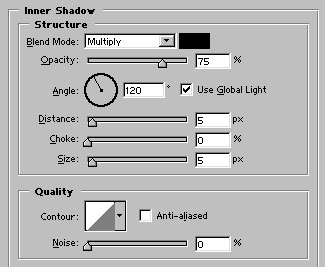
Fill the selection with #4D4B25 color. Apply inner shadow as shown :
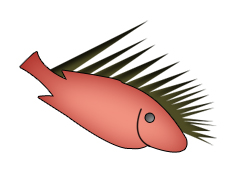
With the similar technique, draw another shape as shown :
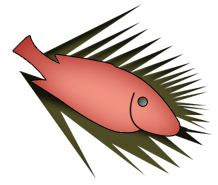
Select Ellipse tool. Draw a circle behind all the layers. Choose #F1E4C4 to fill the circle.

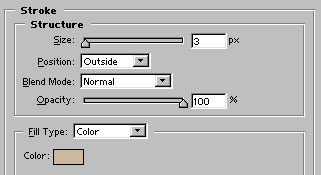
Apply these layer styles in it :
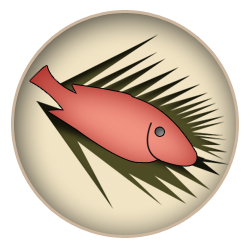
Finally, add the name of the restaurent. Our Sea Food Restaurent Logo is ready :)
