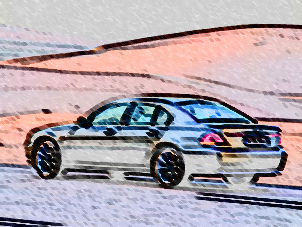
This adobe photoshop 7.0 tutorial teaches you to convert your image to wax color painting. Open your image :-
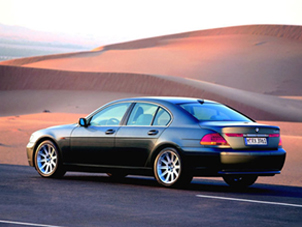
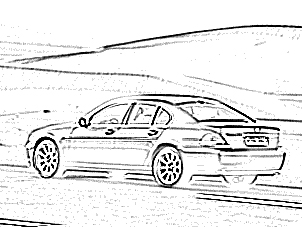
Press control+j to duplicate the layer. Go to Filter>Sketch>Photocopy and apply these values:-
Detail = 1, Darkness = 40.
Now, go to Filter>Artistic>Smudge Stick and set the stroke length, Highlight Area & Intensity to 0.
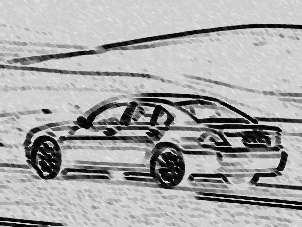
Finally, change the layer style from normal to Luminosity. You now have wax painted image :)