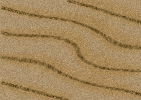
This adobe photoshop 7.0 tutorial teaches you to design a nice looking desert texture. Create a new file of your choice. Fill the background with #AC926D.
Apply noise filter (Filter>Noise>Add Noise) with amount set to 3%
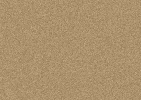
Select line tool, set weight to 3 pixel and draw some lines selecting #806C47 as foreground color.
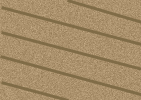
Group and merge the lines. Add 7.4% noise in this layer.
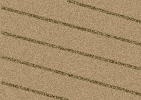
Now, go to filter>distort>Twirl selecting angle to 65.
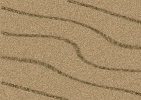
Press control+j to duplicate the layer. Select Smudge Tool. Set the mode to Darken, Strength to 40% & brush size to 100 px. Drag the brush over the layer until you get something like this :
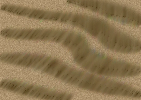
Finally, change the layer style to Soft Light and reduce the opacity to 67%. Our desert texture is ready :)