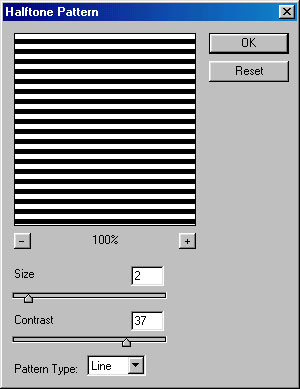
Create a new file of 200 x 200 pixel wide having RGB color mode and 72 dpi resolution. Press "D" to change the foreground and background color to black and white. Now, go to Filter>Sketch>Halftone Pattern and give these values :
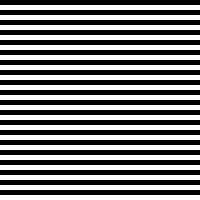
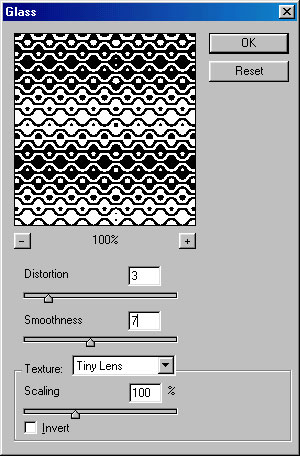
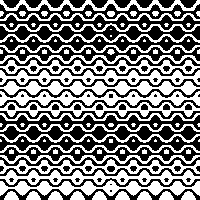
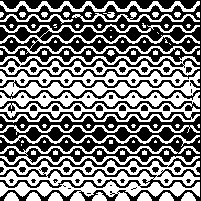
Now, go to Filter>Distort>Glass and give these values :
Select Elliptical Marquee tool (
 ) and draw a circle in the middle of the canvas.
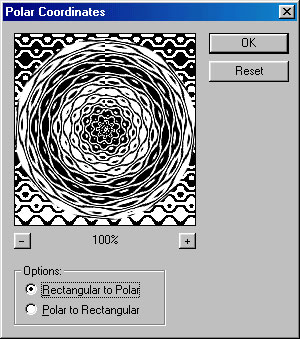
The last filter we will use is Polar Coordinates. Reach there by clicking on Filter>Distort>Polar Coordinates and Click on Rectangular to Polar radio button :
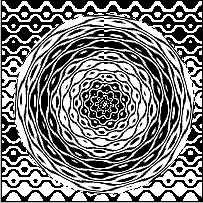
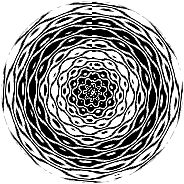
With the circle still selected, copy and paste the selection in a new file. You now have and attractive pattern ready :)