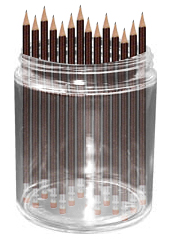
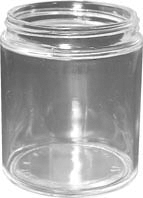
Open the image of a jar
And pencils :
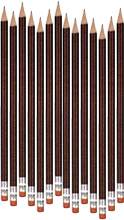
Place the pencil layer over the jar as shown :
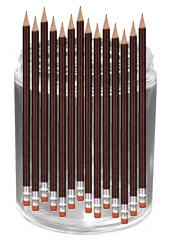
With pencil layer selected, make a selection as shown :
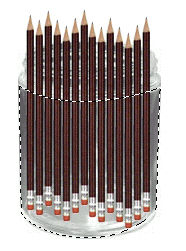
Press control+x to cut and control+v to paste the layer. Adjust the layer in such a way that it look as its a single pencil layer.
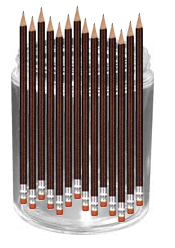
Change the layer mode of new layer to Soft Light :
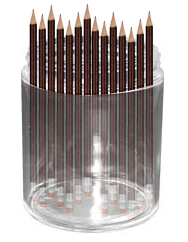
Click on the original pencil layer to activate it again. Select the portion of the jar, but keeping the pencil layer activated.
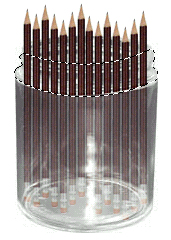
Press control+x :
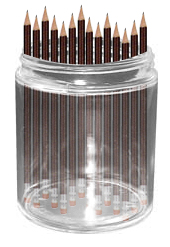
Control+v :
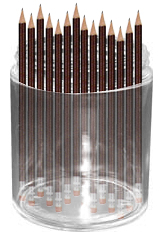
Now, go to filter>Liquify or press shift+control+x from the keyboard. Select Warp Tool
 , set the brush size according to the layer size. Slightly move the Warp Brush to the right side. We are doing this to have a reflection effect in the glass:
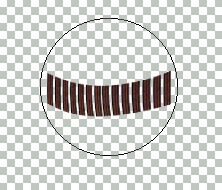
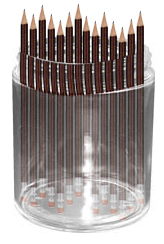
Finally, change this layer's layer mode to Soft Light too. You have successfully placed pencils in the jar :)