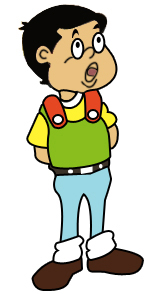
Draw the path with pen tool as shown:
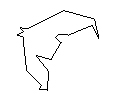
Click on convert to point tool and drag the nodes to have the shape as shown :
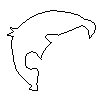
Press control+enter to make the selection of the path. Create a new layer and fill the selection with black color.

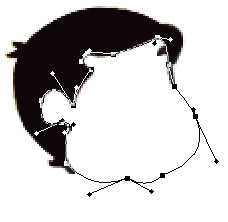
Again, draw the path as shown :
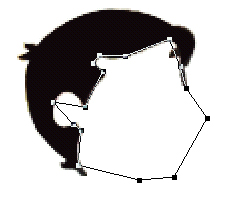
Adjust the nodes :
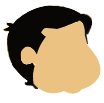
Create new layer, fill the selection with #EBC282 color.
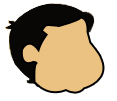
Add 2 pixel wide stroke in it (Right click on the layer palette in its layer name, select blending options than select stroke. Set the stroke width to 2 pixel and color to black) :
Create another layer for the lines. Draw these lines with line tool selecting 2 pixel soft brush :
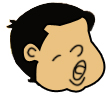
Draw 2 circles as shown for eyes with Ellipse tool. Add 2 pixel wide stroke and draw 2 small circles with ellipse tool selecting black color as foreground color. Also fill the mouth with #9C5857 color.
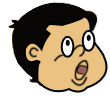
Draw two eyebrows with pen tool :
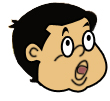
Now, draw this shape for neck :
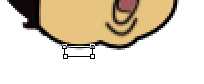
Adjust the nodes :
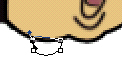
Make selection, fill the selection with #EBC282 color after creating new layer. Also add 2 pixel wide black color stroke in it.

Draw this white colored shape with pen tool. Add 2 pixel wide stroke in it.

Draw this shape :
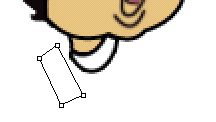
Adjust the nodes. Fill the selection with #E54722 and draw white colored circle having 2 pixel stroke in it.
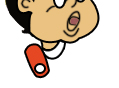
Draw similar shape at the reverse side too :

Draw another path as shown :
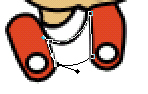
Fill the selection with #FFF232 color after creating new layer. Add black color stroke in it.
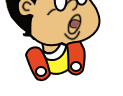
With similar techniques described above draw the following shapes :
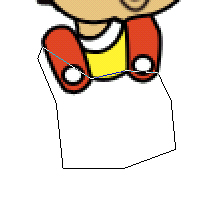
Fill color = #8ABE1E.
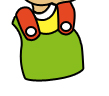
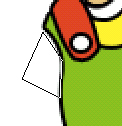

Fill color = #FFF231.


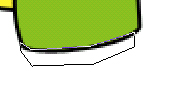
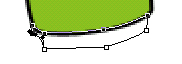
Fill color for the belt = #3B3229. Draw circle and rectangle shape with Ellipse and Rectangle tool respectively :)

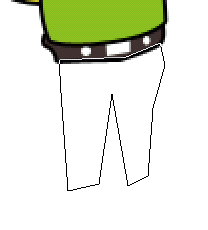
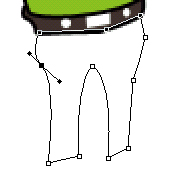
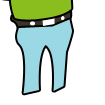
Fill color = #9AD8E3.

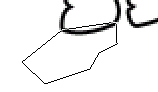
Fill color = 4A2616.

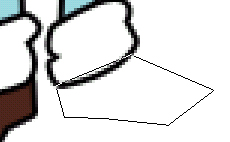


Fill color = #EBC282.

Click the link below to see the final output of the tutorial :