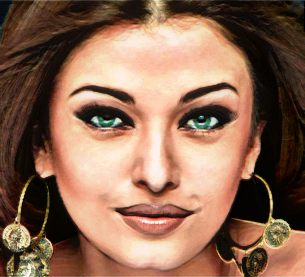
Open your image. Press control+j to duplicate the image :
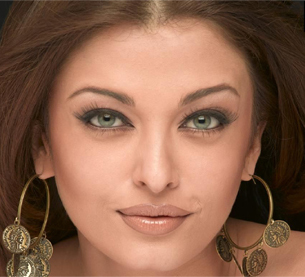
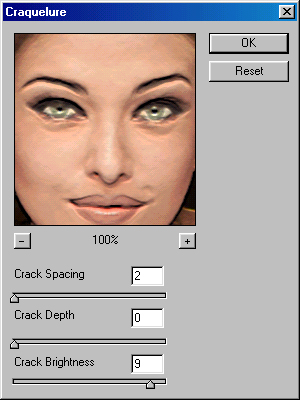
Go to filter>texture>Craquelure
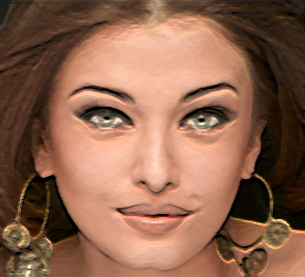
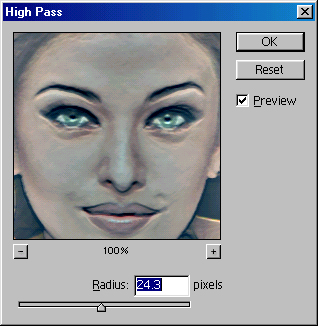
Now, go to filter>others>High Pass
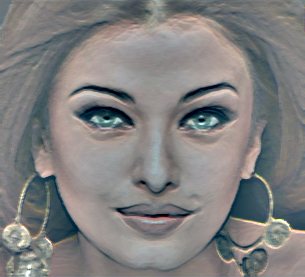
Change the layer mode from normal to Linear Light and reduce the opacity to 70%. Now you have oil paint image :)