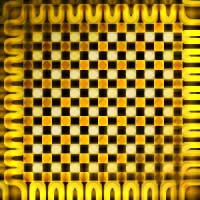
In this tutorial, we will learn to create a nice looking texture. Create a new file of 300 x 300 pixel. Set the foreground color to #BB9800 and background to #FFD039 . Select linear gradient to fill the canvas.

Create a new layer by pressing shift+control+n. Press "D" to regain the default black & white color. Again select linear gradient and fill the layer with it.
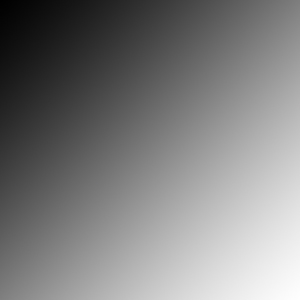
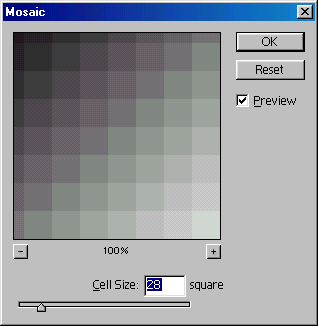
Now, go to filter>pixelate>mosaic and apply these values:
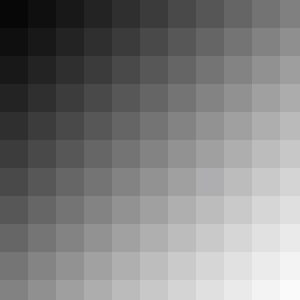
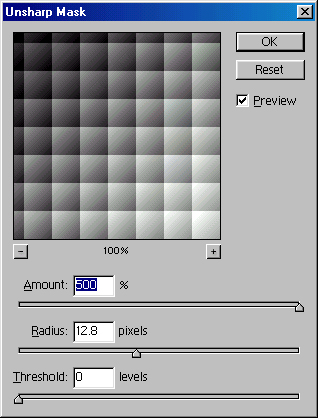
Go to filter>sharpen>unsharp mask and apply these values:
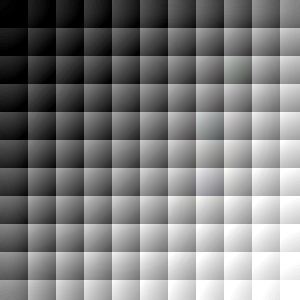
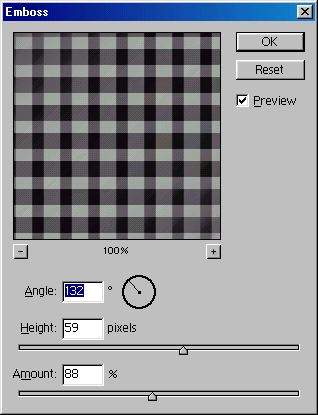
Now, go to stylize>emboss and give these values
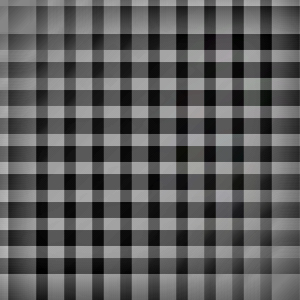
Change the layer's blending mode to Hard Light.
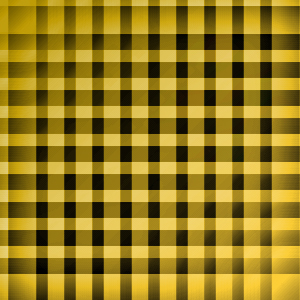
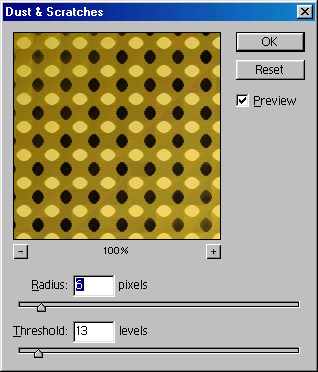
Press control+e to merge all layers. Now, go to Filter>Noise>Dust & Scratches and give these values:
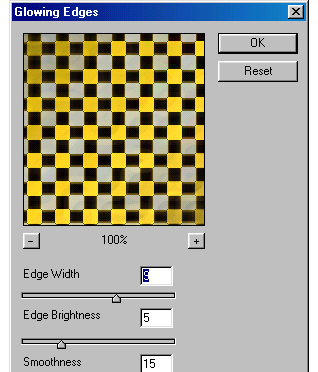
Duplicate the layer by pressing control+j. Again go to Filter>Glowing Edges
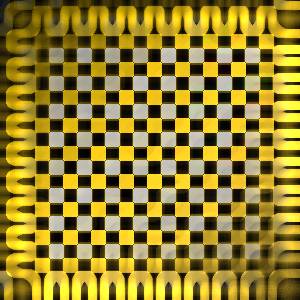
Finally change the layer mode to Hard Light and merge all layers. Our texture is ready. Click the link below to see the final output of the tutorial