This tutorial teaches you to create a soft focus photo effect. It works better in close up photographs. If you have bigger picture than adjust the settings according to that picture.
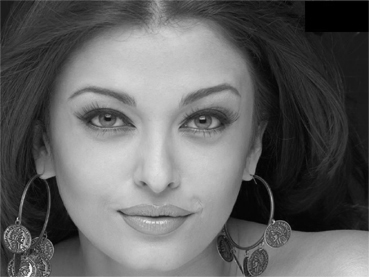
Open your image.

Press control+J to duplicate the layer. Press shift+control+u to desaturate the image.
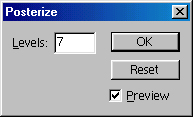
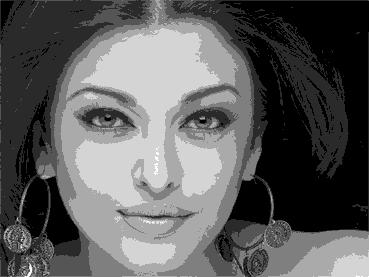
Now, go to Image>Adjustment>Posterize and type "7" in the dialog box.
Now, change the blending mode of this layer from normal to Overlay.
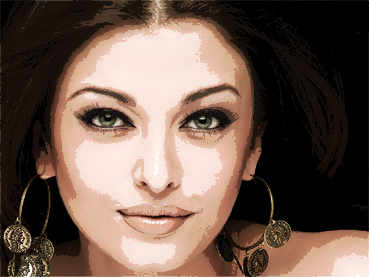
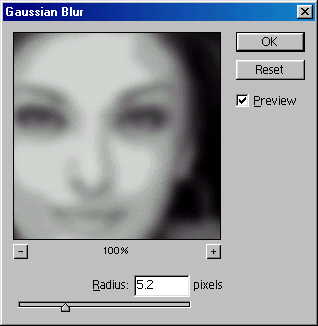
Now, go to filter>blur>Gaussian Blur and type 5.2 in the dialog box.
Now you have soft focus image :)