

In this tutorial, we will learn to create a nice looking logo for a cricket club. Final output can be seen below:

Start by creating "wickets" as described below.
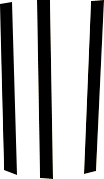
Select pen tool and draw these three simple shapes:
Apply Gradient overlay as shown:
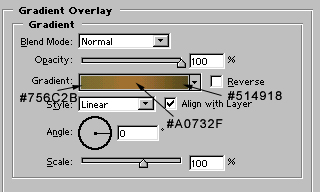
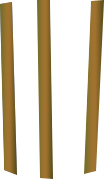
Image after applying Gradient overlay:
Now, we will create "bails". For that, draw this shape with the help of pen tool.

Apply Gradient Overlay as shown:
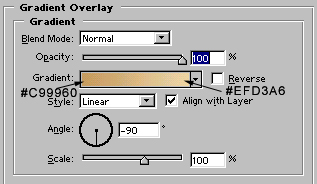
Image after applying gradient overlay:

Draw 4 oval shape with the help of ellipse tool.
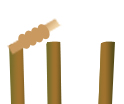
Apply similar gradient overlay, as we applied for bails:
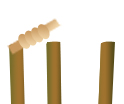
Now, we will draw a ball. For that, create a circle with Ellipse tool:
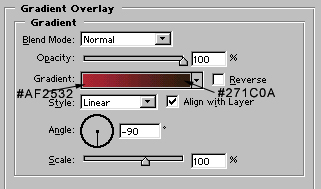
Apply Gradient overlay and stroke as shown:
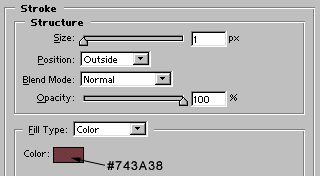
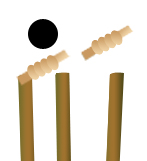
Ball, after applying above layer styles:
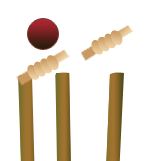
Draw some small blocks with line tool.
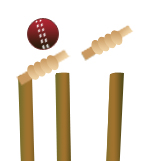
Now, draw this shape with the autoshapes available in the list of autoshapes.

Again, draw a circle behind the autoshape. Fill it with light blue to white, linear gradient.

Finally, add the name of cricket club. Our cricket club logo is completed :)
