1. Start with a new image any size will do mines 300pxX300px.
2. Set your colors to standard by pressing d then fill the area with black.
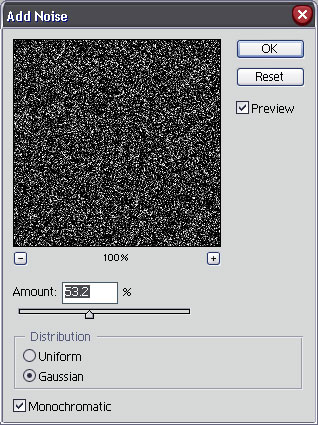
3. Now lets add some Noise so goto Filter>Noise>Add Noise and use these settings:
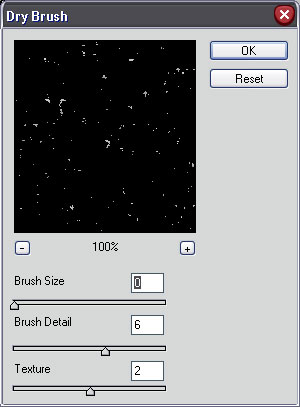
4. Next we need to goto Filters>Artistic>Dry Brush and use these settings:
5. Now lets soften them up by going to Filters>Blur>Gaussian Blur and use 0.4 pixels for the radius.
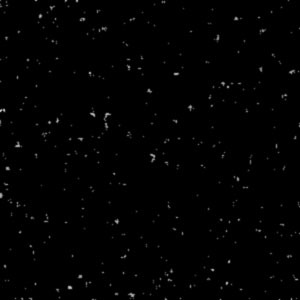
Okay here is the finished product:
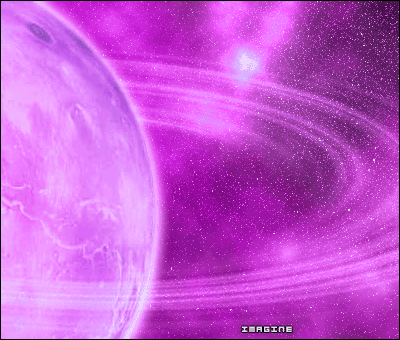
And here is it with some more work!