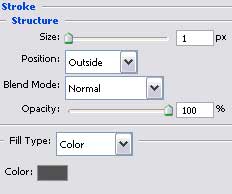
Create a new file with 1280x1024 px and 72 dpi and select the Rectangle Tool (U) to represent the primary layer for the picture to be next.

The layer's parameters:
Blending Options>Gradient Overlay
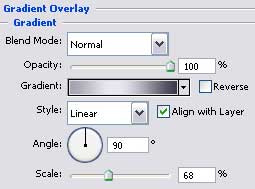
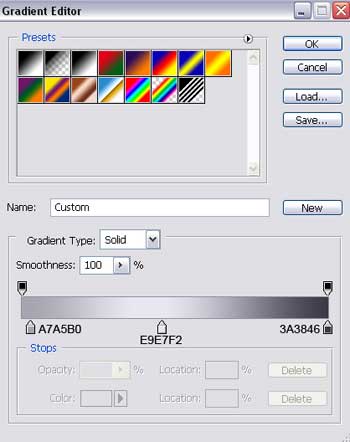
Gradient's parameters:
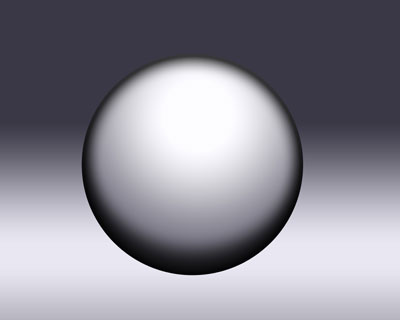
Next we have to choose the Ellipse Tool (U) and draw the lowest layer for the small ball we want to picture out next.
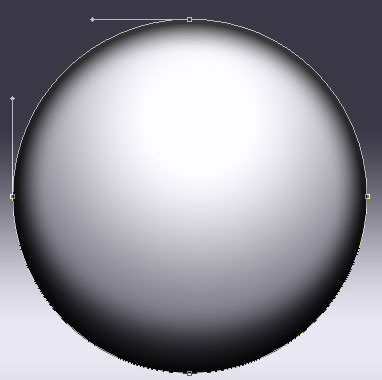
The layer's parameters:
Fill 26% on they layers.
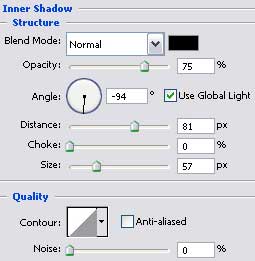
Blending Options>Inner Shadow
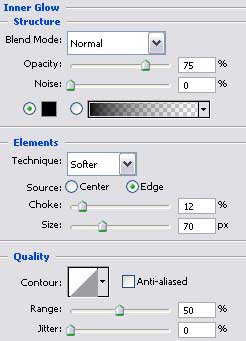
Blending Options>Inner Glow
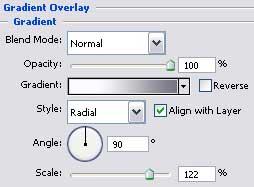
Blending Options>Gradient Overlay
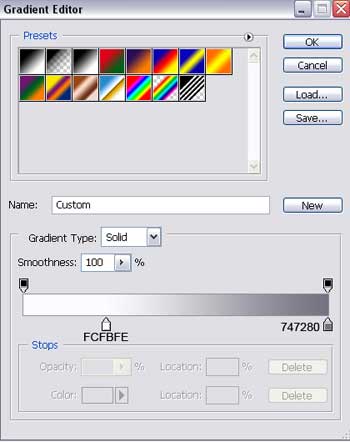
Gradient's parameters:
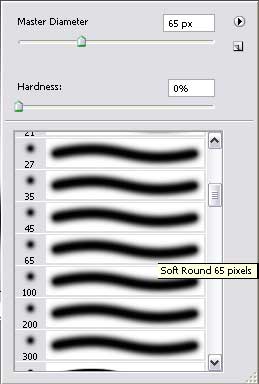
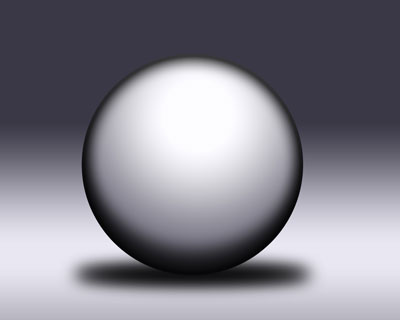
Create a new layer and choose the Brush Tool (B) with blurred edges and black color to draw the ball's shadow, placing the shadow under the ball's layer:
Using the Ellipse Tool (U), draw the corps of the left ear-phone on the left ball's part, correcting its shape with Convert Point Tool.
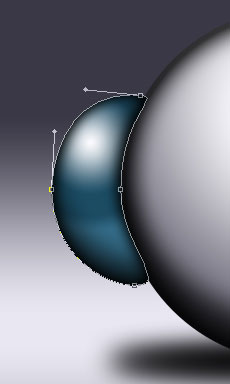
The layer's parameters:
Blending Options>Inner Shadow
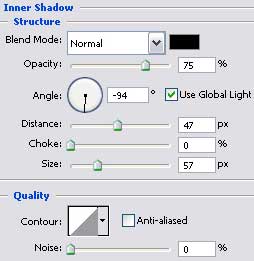
Blending Options>Inner Glow
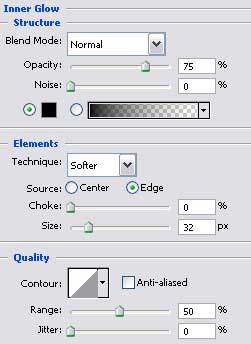
Blending Options>Gradient Overlay
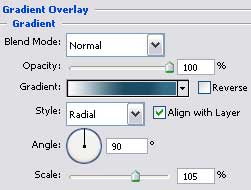
Gradient's parameters:
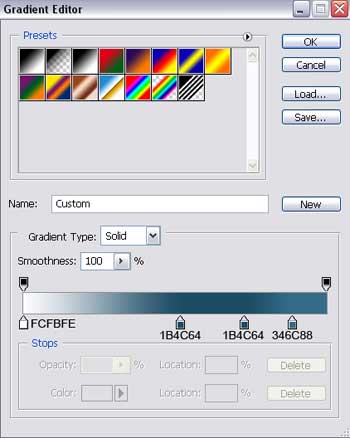
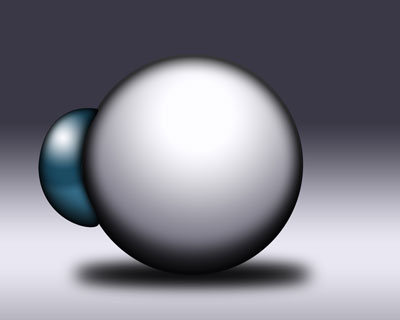
Selecting the same instrument, it's possible to represent one of the strengthening elements, having the color 383839.
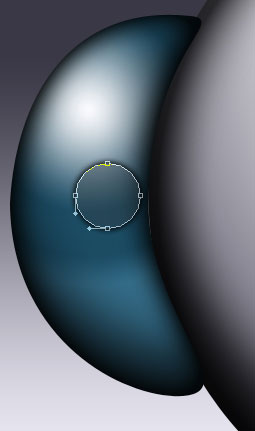
The layer's parameters:
Fill 30% on the layers.
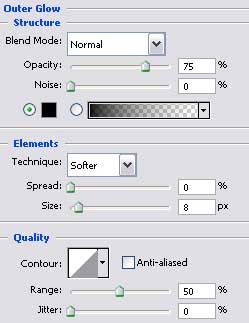
Blending Options>Outer Glow
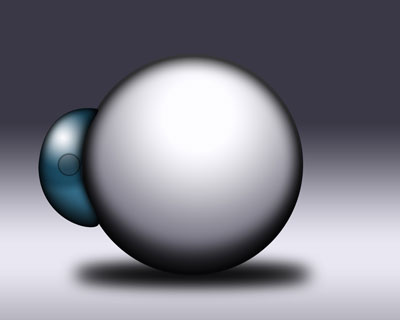
Make a copy of the new made layer and choose the Free Transform option to make it smaller. Place it the way it is demonstrated below and change its parameters also:
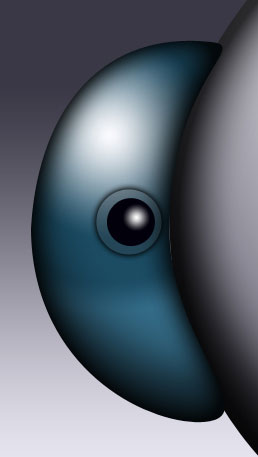
The layer's parameters:
Blending Options>Gradient Overlay
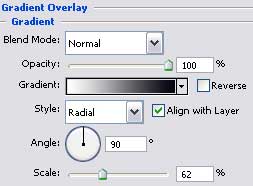
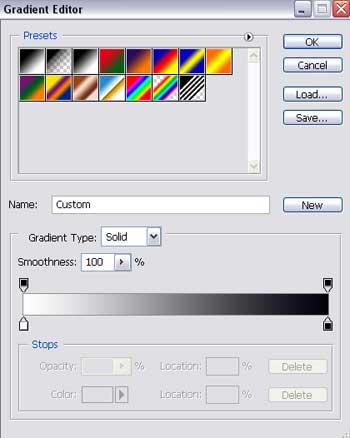
Gradient's parameters:
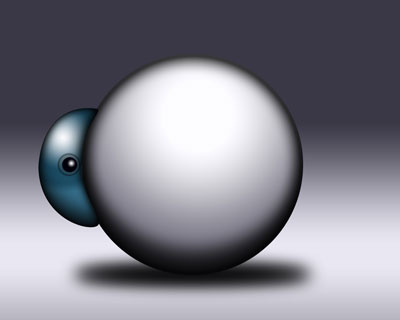
We need to select after that the Pen Tool (P) and represent one more strengthening elements, colored this time in 9B98A6.
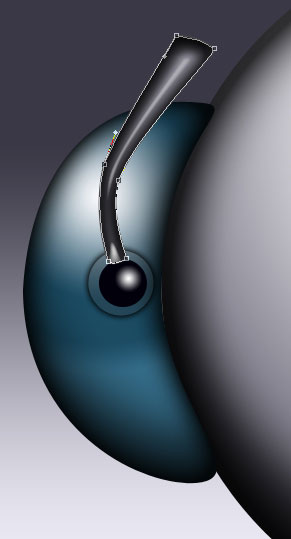
The layer's parameters:
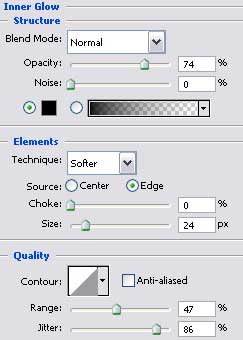
Blending Options>Inner Glow
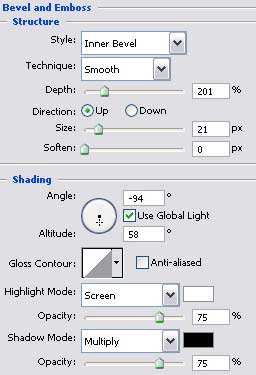
Blending Options>Bevel and Emboss
Blending Options>Stroke