

Create a new file that would have 1280x1024 px and 72 dpi. Using the next instrument
 , try o represent the background of the picture to be next.

Blending Options-Gradient Overlay
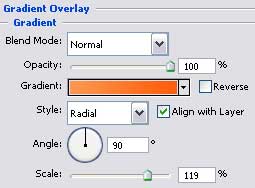
Gradient's parameters:
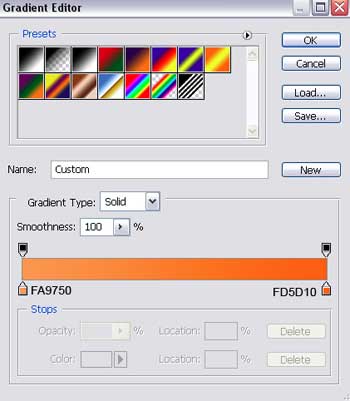
Select the next tool
 to draw several rays on the picture.
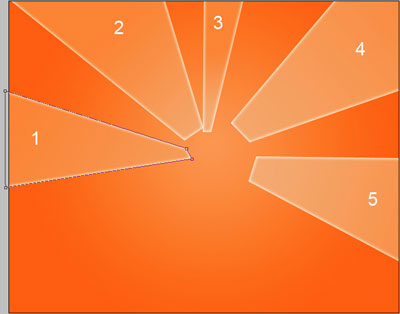
The parameter of the first ray:
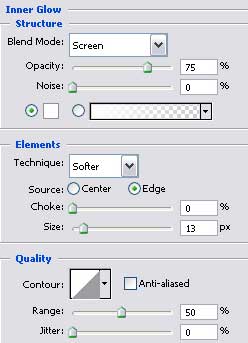
Blending Options-Inner Glow (this parameter is the same for all rays).
Blending Options-Gradient Overlay
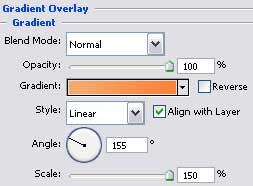
Gradient's parameters (this parameter is also the same for all the rays).
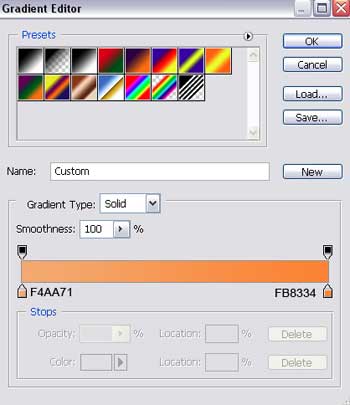
The parameters for the second ray:
Blending Options-Gradient Overlay
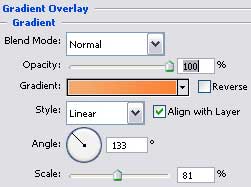
The parameters of the third ray:
Blending Options-Gradient Overlay
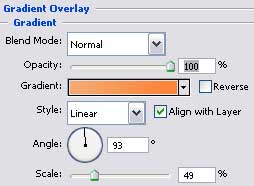
The parameter of the fourth ray:
Blending Options-Gradient Overlay
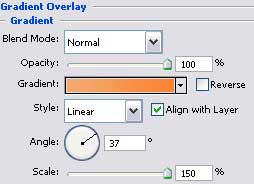
The parameter of the fifth ray:
Blending Options-Gradient Overlay
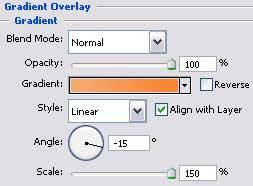
Select the next tool
 now and represent a multicolored circle like it is shown on the picture.
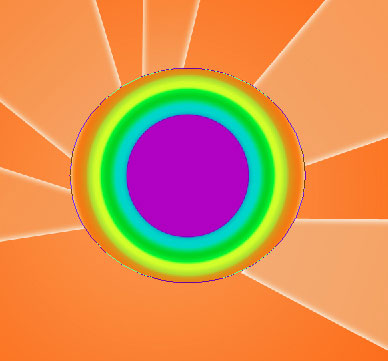

Blending Options-Gradient Overlay
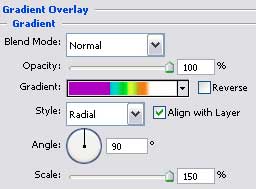
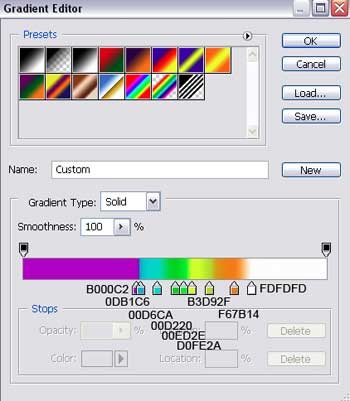
Gradient's parameters:
Choose the next tool
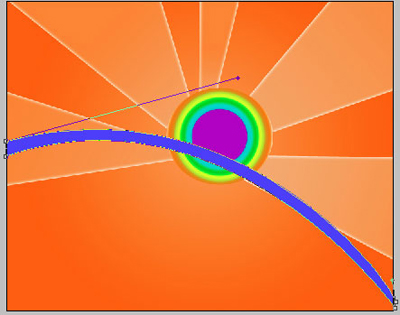
and draw a stripe directed form left the right side, colored in 0072FF.
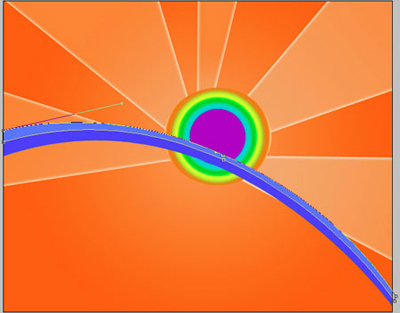
Using the same instrument, create one more stripe of the next color - 4799FF.
Apply this instrument
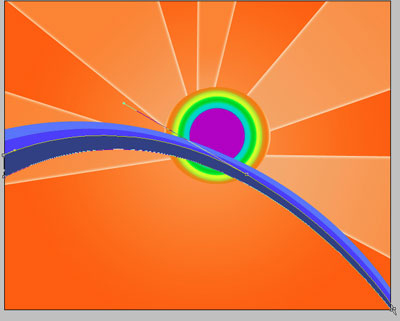
to create another stripe colored with 2B5B97.
Download from www.deviantart.com two sets of brushes "evil_bloodsplat" and "Tree Brushes By BlazteR". Copy them on the: Program FilesAdobeAdobe Photoshop CS2 (or another version)PresetsBrushes.
Choose the next brush
 and click on the right mouse's button on the picture and choose from the column shown on the right side
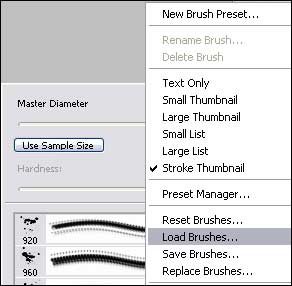
Load one by one the brushes!
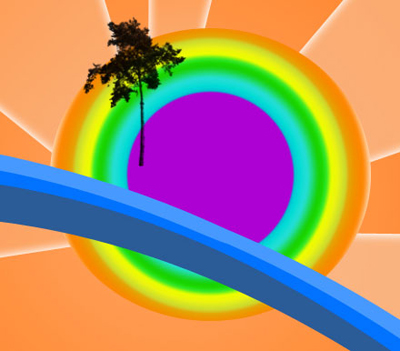
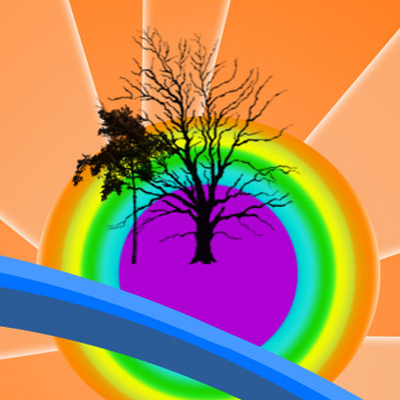
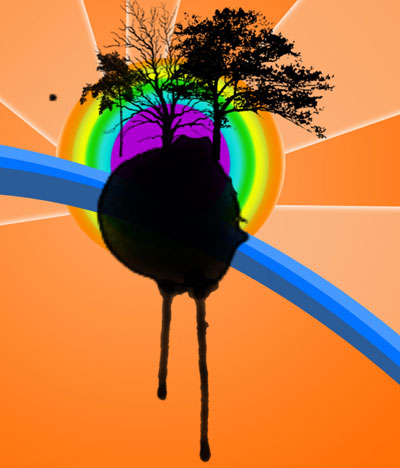
Create now a composition like the next one. Each element must be put on a new layer, selecting the black color and choosing the appropriate brush in all cases.
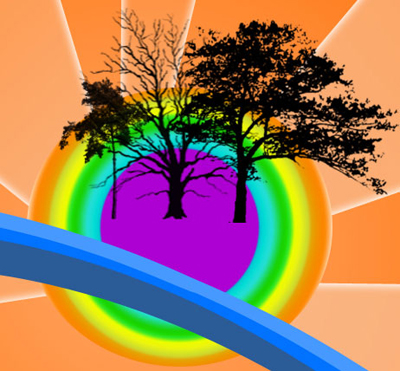
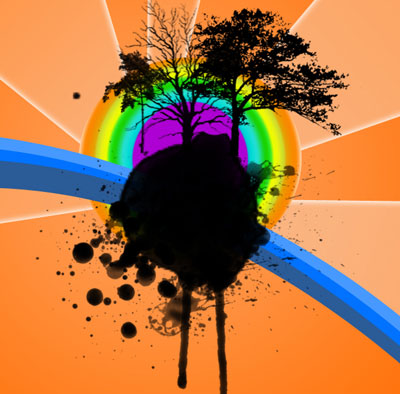

Finished!
