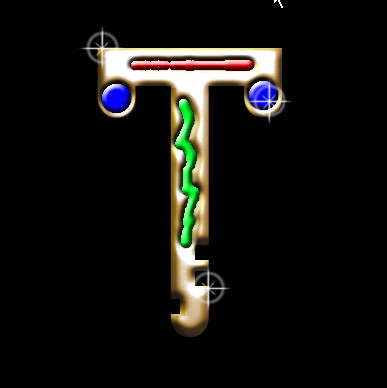
We will learn how to make a Jewelled Gold Text in photoshop.
In this I will show you the work of Channels
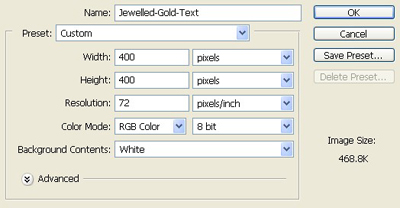
1. Make a new layer of Height =400 pixels, Width = 400 pixels, resolution 72 dpi and In RGB mode.
2. Take the text tool from the tool palette

3. Type any alphabet I have taken T.Make the background black and the alphabet white as shown below.

4. Make the selection with the rectangular marquee tool and press Delete to making shapes in it.

5. Take the eraser tool with hardened brush of this property

6. Erase this part from the text your Image will be like this.

7. Press Ctrl A to select all and Ctrl+Shift+C for copy Merged
8. Now we will work in the Channel Palette open it
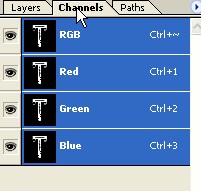
9. Make a new layer in it and name it text layer.
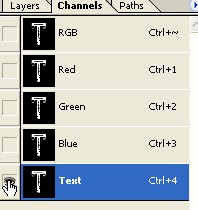
10. Make the copy of the text layer
11. Goto menu bar Filter>Blur>Gaussian blur with the property given below.
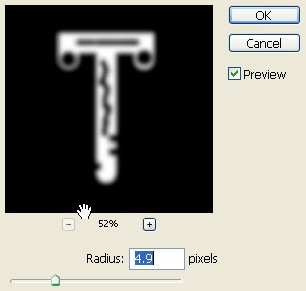
12. Click on the text layer with Ctrl Key selection will be appeared and press Ctrl+Shift+I to Inverse the selection

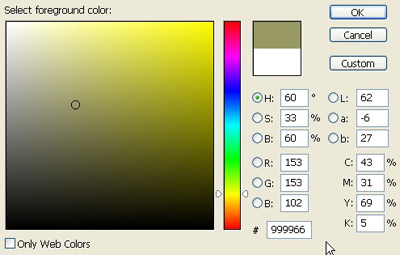
13. Come back again to layer palette make a new layer and fill the colour of coding #999966
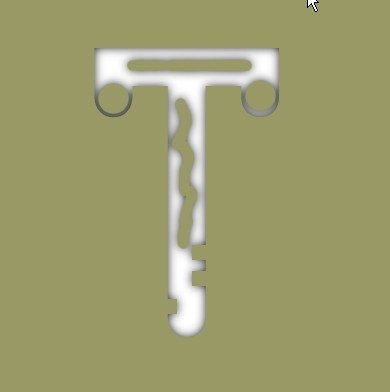
14. Make a new layer and paste the text image in it as shown
15. Goto menu bar Filter>Render> Lightening effect and use these settings
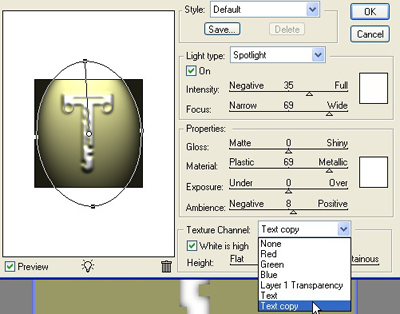
16. Your Image will be look like this.

17. Copy & Paste the T in a new layer

18. Make the selection with the help of Magic wand tool as shown in Image below.

19. Now fill the colour with the help of Brush tool as in Image
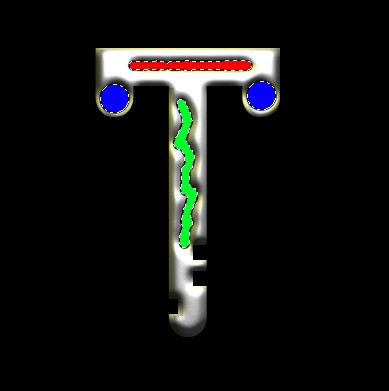
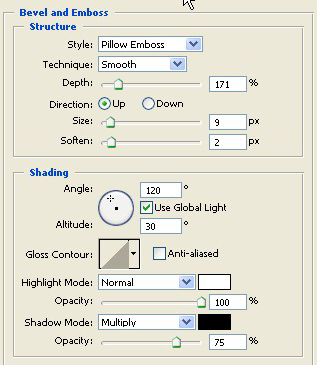
20. Give the bevel emboss effect on the selection
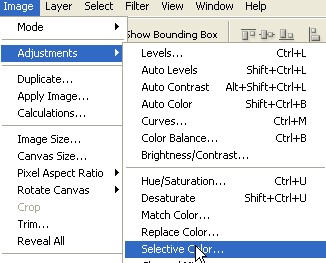
21. Goto the menu bar Mode>Adjustment>Selective colour
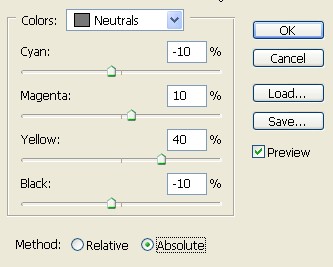
22. Use these settings for making it more golden
23. Your final Image will be like this:

24. For making it more attractive I have put down some stars as below :