
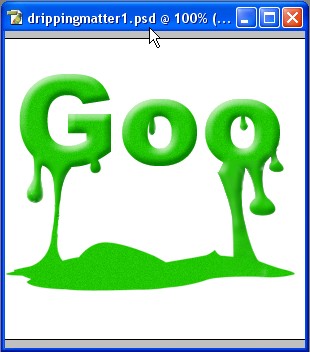
Here we will learn how we can make dripping paint or goo matter. The trick is to use the dodge and burn tool.
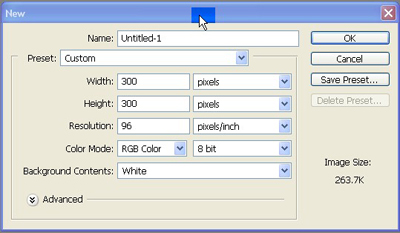
1. Take a new file of 300*300 pixels of 72 dpi resolution
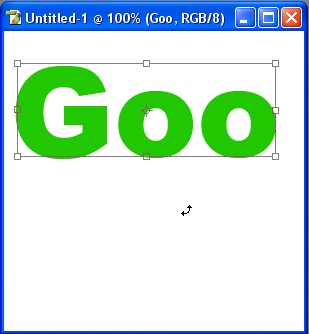
2. Now type any text with the help of text tool I have taken this text
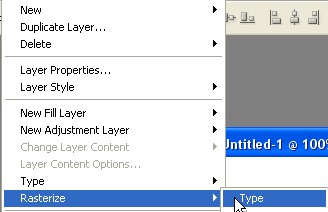
3. To convert text layer into normal layer goto Layer> Rasterize> Type
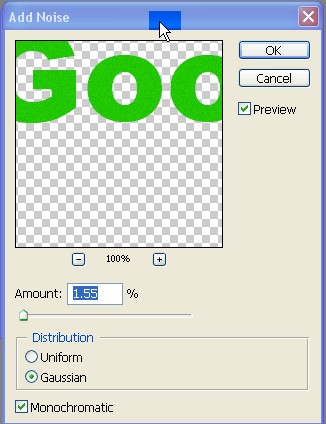
4. Add some noise to it
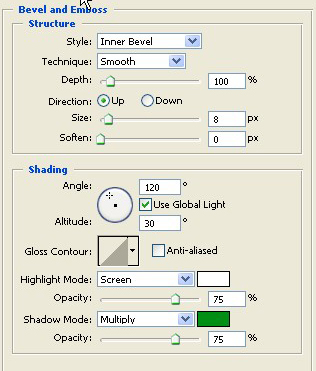
5. Then put the Blending options in and use the settings which I have done.
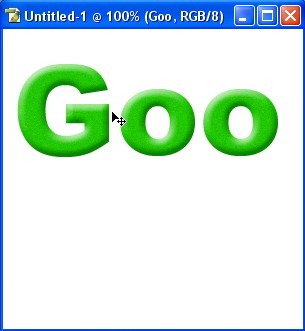
6. Your Image will be like this
7. Now make a selection with the help of pen tool as shown in Fig.
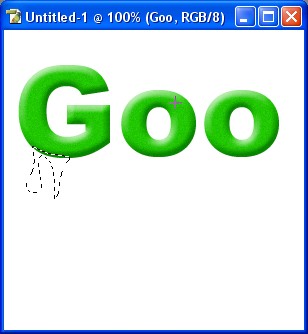
8. Now stretch it with the help of smudge tool like this. Also apply Burn tool to create a look of 3d flowing matter.
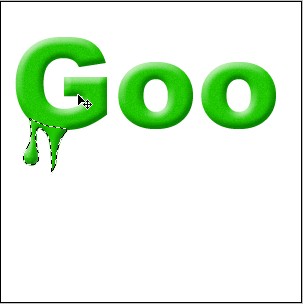
9. Make a selection like this in the image
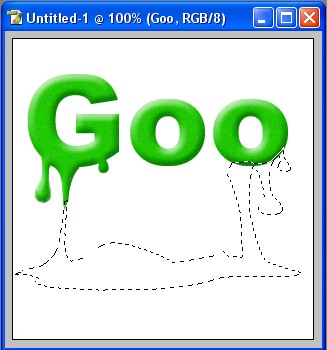
10. Now stretch it with the help of smudge tool & Clone tool. Again use the burn tool also.
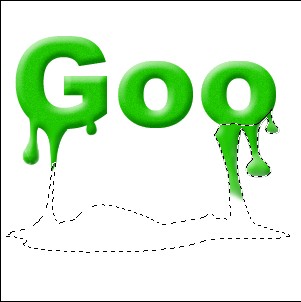
11. Now fill the same color in the selection and add noise
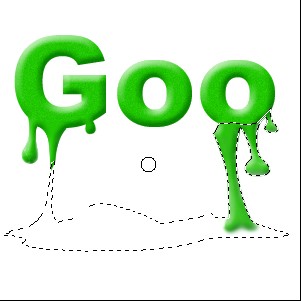
12. Now make this on drop on both the O
Your image will be shown like this
