


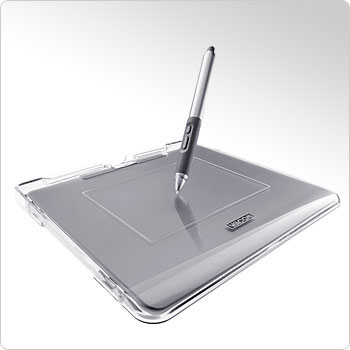
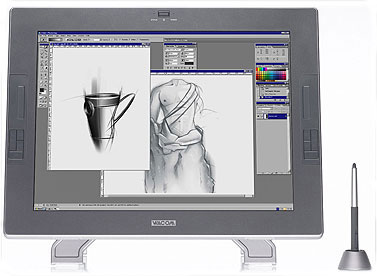
The next lesson we'll try to represent a girl in the Anime style. We need for this operation a graphical plane-table, an example of which is indicated below
Open a new file with 1024x768 px.
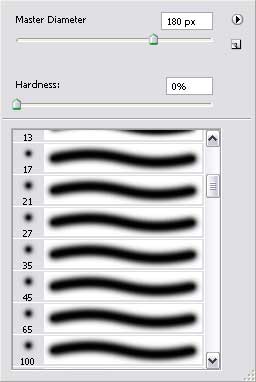
Select after that a smooth brush and, setting the Opacity on 10%, having approximately the same parameters as in the next picture.
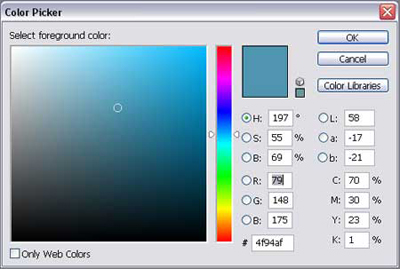
Choose any nuance of blue color it's appropriate for you:
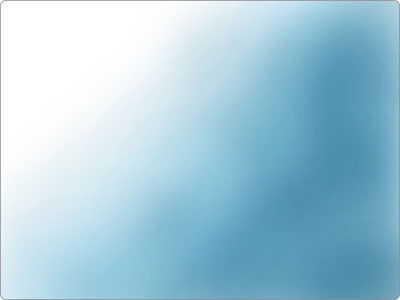
And represent the background, doing it very smoothly:
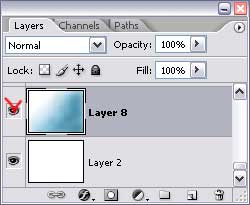
Hide the next option Indicates Layer Visibility on the layers' panel just for the background not to hinder us when drawing different elements:
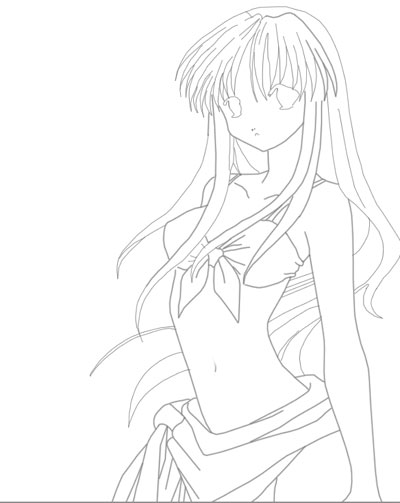
Represent the girl's contours on a new transparent layer, applying the Pen Tool.
Select a rough brush on a new layer, situated under the girl's contours to start drawing some girl's body's zones:
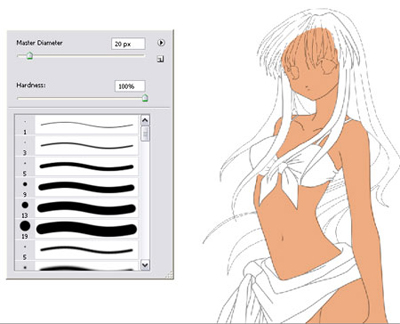
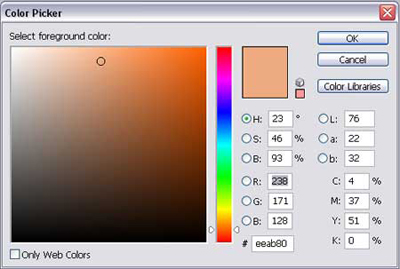
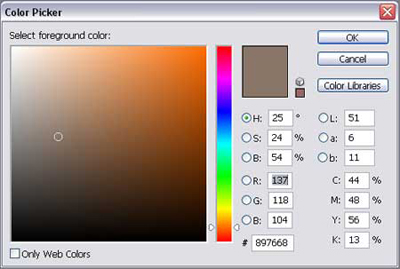
You have the body's color next:
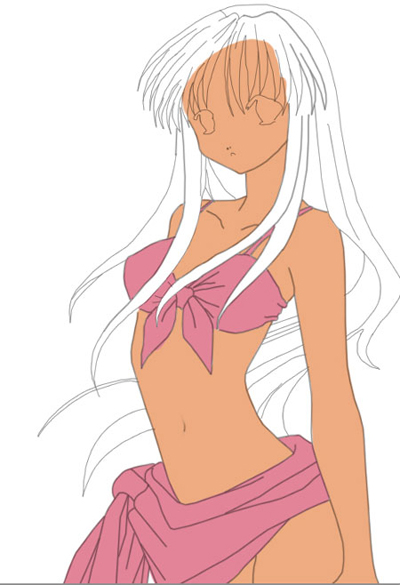
Paint out on a new layer the girl's clothes:
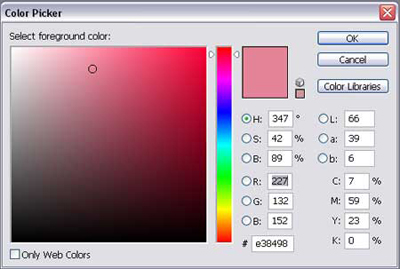
Select a color of red nuance:
We have to process the hair now:
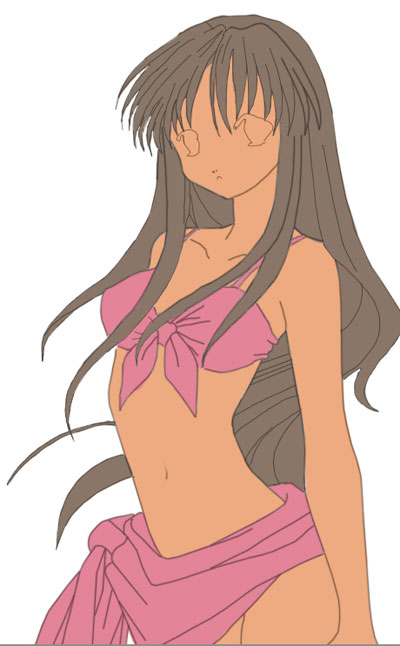
The hair's color should be this one:
Start painting the body. Select for this operation a smooth brush used on that layer containing the body's color. The next two mentioned instruments will be helpful to give a volume to the body. The Dodge Tool will be useful in representing the flares and the Burn Tool we'll use for the shadows and the body's deepings.
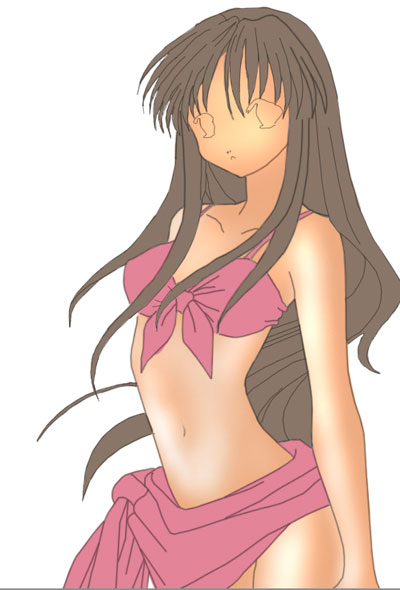
Don't forget about the shadows of the clothes and the hair's ones. It will make our drawing look more real:
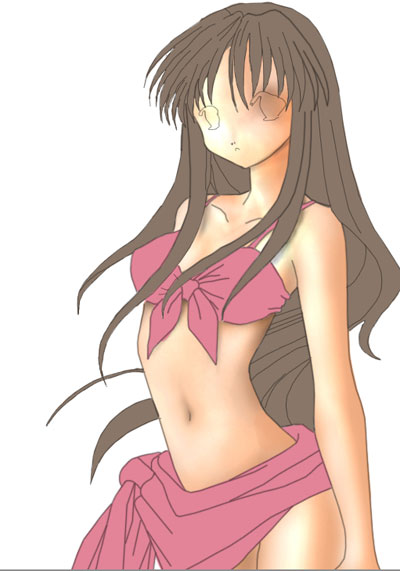
Applying the Dodge Tool, it's possible to draw the girl's swimsuit. Use the mentioned instrument to draw the flares on the girl's clothes:
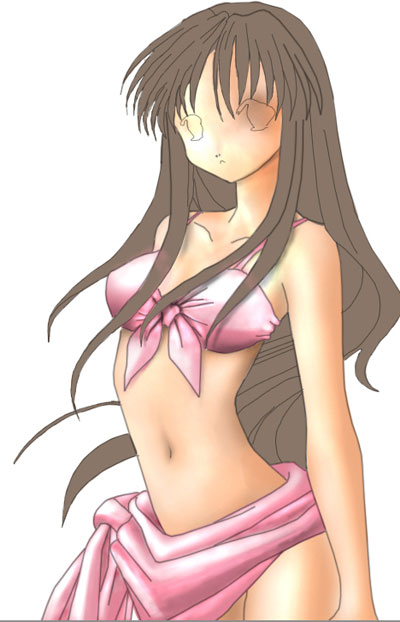
Start correcting the hair's painting. It's necessary to select a rough brush and paint very accurately the hair's locks on those places the light falls less:
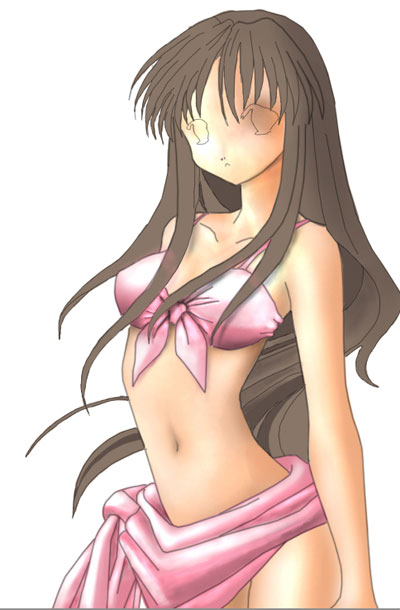
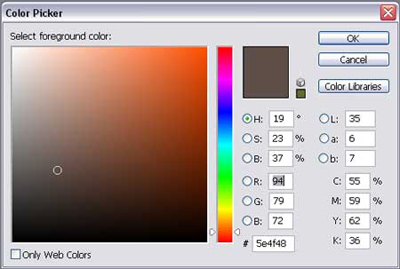
Use the next shown color for the mentioned processing:
The Dodge Tool will be helpful in representing the flares on the girl's hair:
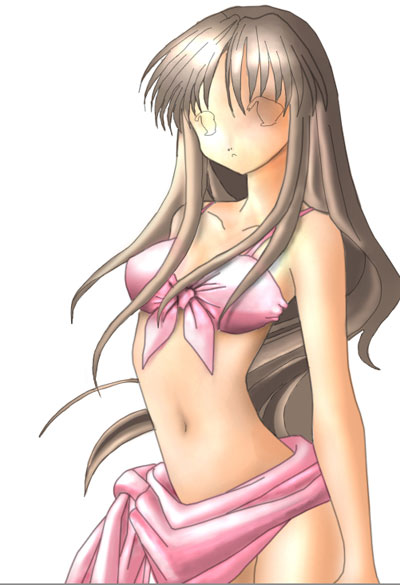
Try to make the hair more voluminous also, making its edges sharper:
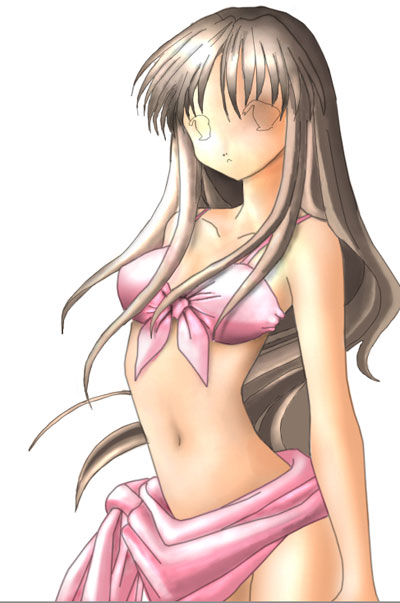
Represent the girl's eyes on a new layer:
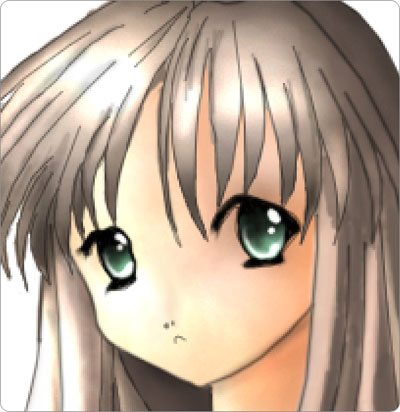
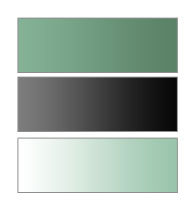
They may be created with a simple brush and the next color's nuances:
Make the corrections on the contour, applying the Eraser Tool (E). Set the Opacity on 20% in those places the contour is too sharp. Create a new layer and apply the brush to represent the girl's eyebrows:
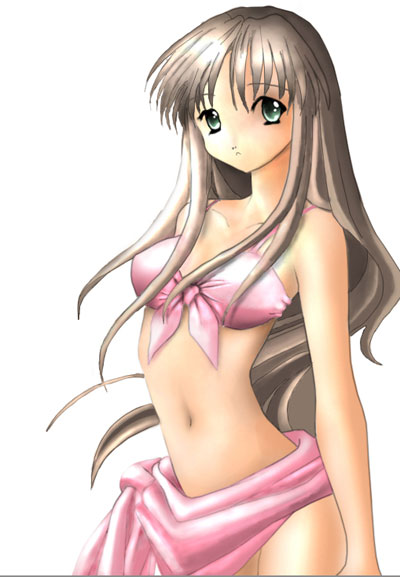
Make visible gain the background:
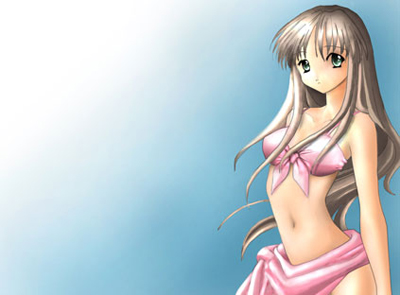
The picture is finished!
