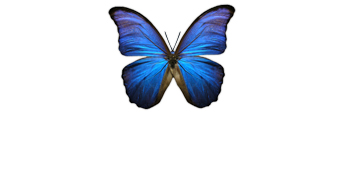
For this tutorial, I will use the below image that can be found at Stock.XCHNG.com.
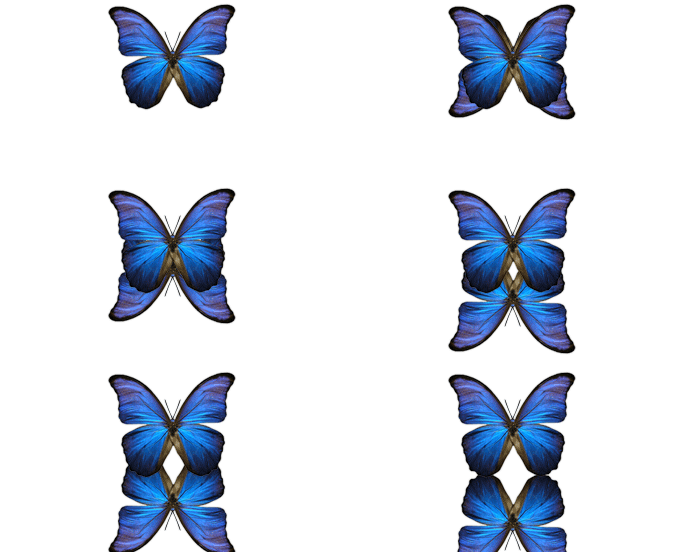
Next, duplicate the butterfly layer and drag it so it is below the original butterfly layer in the Layers Palette. Then go to the main menu and select "Edit" then "Transform" and lastly "Flip Vertical." Then, while holding in the "Shift" key on your keyboard, press the down arrow key (also on your keyboard) 10 times. Make sure the Foreground color is White and go to next step.
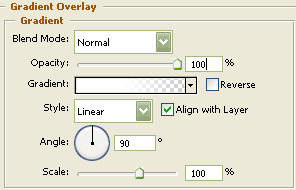
Now right click on the bottom butterfly layer image and select, "Blending Options...". Now click on "Gradient Overlay".

You should now have the following:

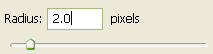
Next, go to the main menu and select "Filter" then "Blur" and lastly "Gaussian Blur" and use the below settings.
The Results!!!
An easy technique that bares awesome results. I've added some highlights to the wings...