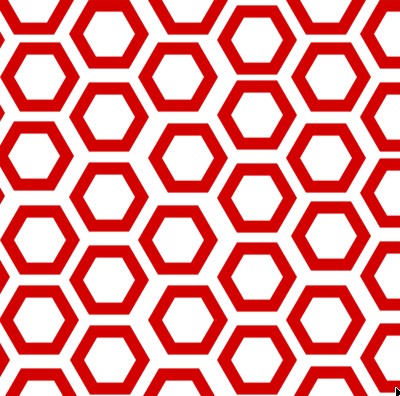
1. Take a new File of size 400 pixels,400 pixels of resolution 72 dpi in the RGB mode take the custom shape tool and take this shape as below.

2. Make the shape on the new file as in the image.
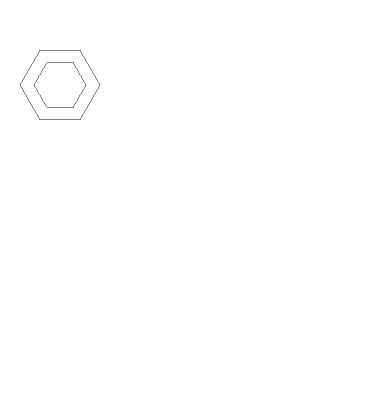
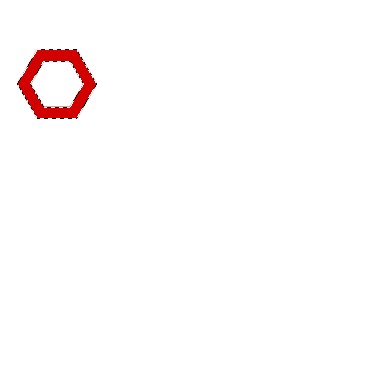
3. Now with the help of pen tool make selection and fill the color of your choice.
4. Now make slices of the image with the guidelines.
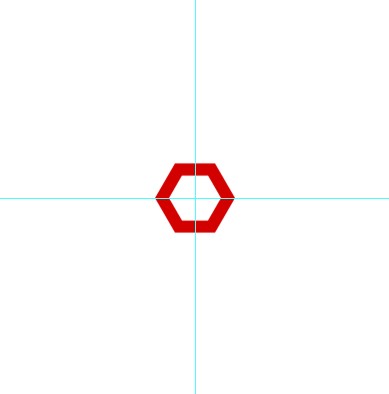
5. Make the copy of the layer as in the image below.
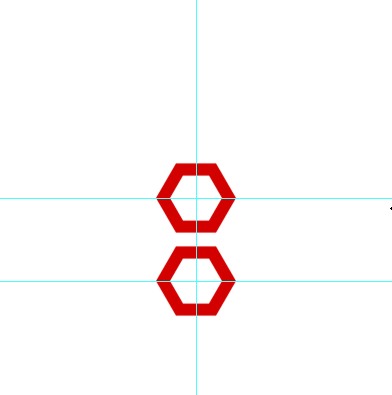 .
.
6. Now make the copy of the layer and make it as in the image below.
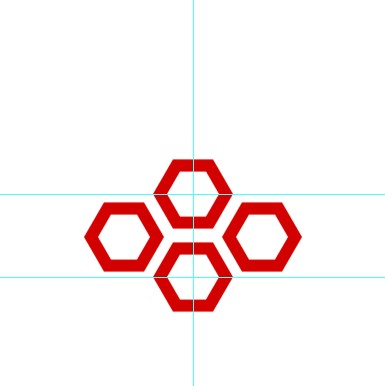
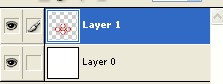
7. Merge up the layers.
8. Make the copy of the images and and your image will be like this.
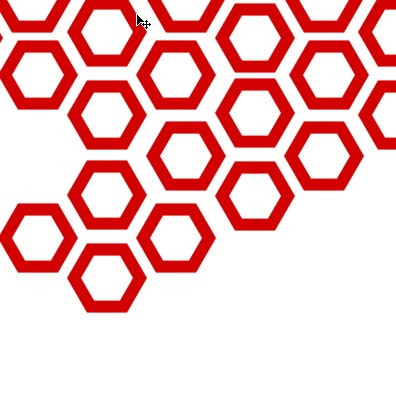
9. Your last image will be like this.