Hey guys this is my 1st tut, a design I enjoy using so here goes
1. Make a new doc, 500 by 500
2. Fill it with black
3. Grab the paint brush and switch foreground/background colour so the foreground colour is white. Now doodle till your hearts content.

4. Filter > Liquify and use the default settings to have some fun n make it all squiggly like.
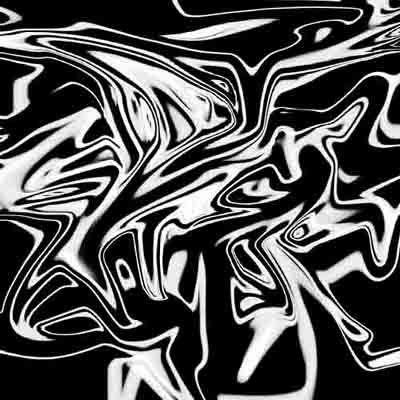
5. Filter > Stylize > Find Edges
6. Duplicate layer
7. Filter > Render > Clouds set mode to lighten
8. ctrl+e
9. Duplicate Layer
10. Edit > Transform > Flip Vertical, set mode to lighten
11. ctrl+e, you should have something like this
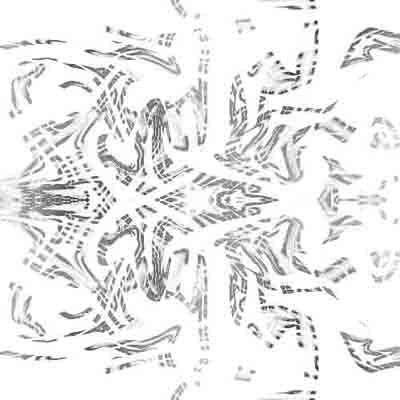
12. ctrl+i to invert
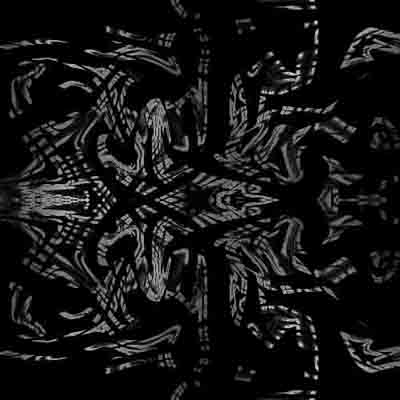
13. ctrl+b to add some colour, I used shadows +100 red, midtones +100 red and highlights +100 yellow
This is my final result, enjoy:
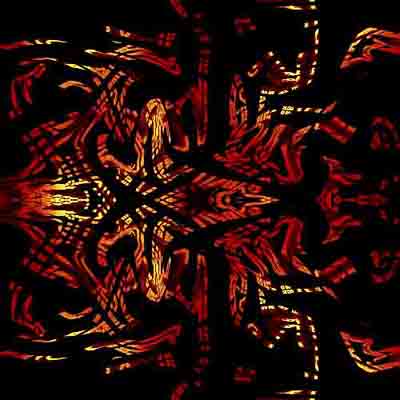
Just so you know I used low quality to save it as I"m a nub and forgot about photobucket till it was 2 late.
