


I started with a blank document (white background).
Make some lines with the pencil tool. I used 1 pixel lines.
Angled lines will make curves.
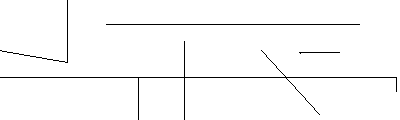
After you have the lines go to Filter->Pixelate->Fragment
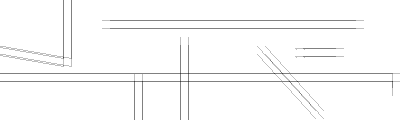
Now go to Filter->Brush Strokes->Dark Strokes
Settings don't matter as long as you keep it black.
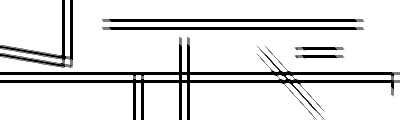
Duplicate this layer.
On the copy layer go to Filter->Sketch->Chrome
The settings I've been using are Detail 4 Smoothness 7.
You can once again mess around to get something you like.
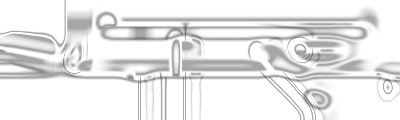
Here is a result I've gotten from another one.
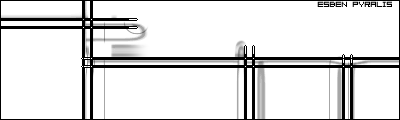
To get the overlap set the chrome layer to darken.
