

Hi there, another tut from me, this time we gonna make a simple lcd visualisation.
Open your previously made LCD display, or make one now (if you don't know how to do one, there's many tuts about it on www.webdesign.org).
I gonna use a simple lcd display:
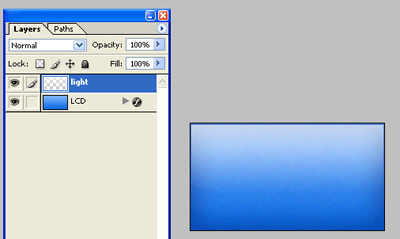
Now I duplicate the base layer (named lcd on my screeny), and cut out the area where i want my visualisation to be.
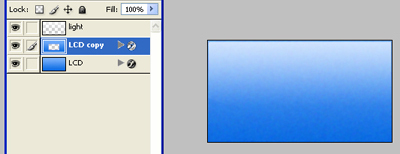
Make a new image with the same height as the cut out selection, but the width of it should be 2x-3x time wider (and transparent background).
Now get a digital font and fill your layer with dots or lines in the color of your choice.
Like this:

Now grab your Rectangular marquee tool, and delete the dots/lines as you want your visualisation to go like.

Now grab this layer and pull it to the other image, position it between the lcd and lcd copy layer.
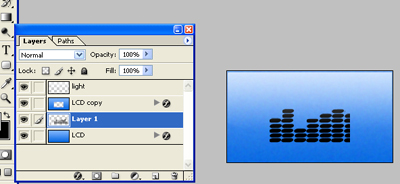
Now jump to imageready, click on the "duplicate the current frame icon".
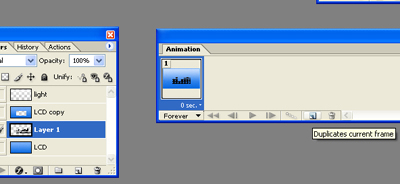
And drag your visualisation layer from the beginning to the end. Then click on tween. Save optimized as in gif format.
That's it!
This is just a simple explanation, be creative add text, effect to the visualisation and so on.
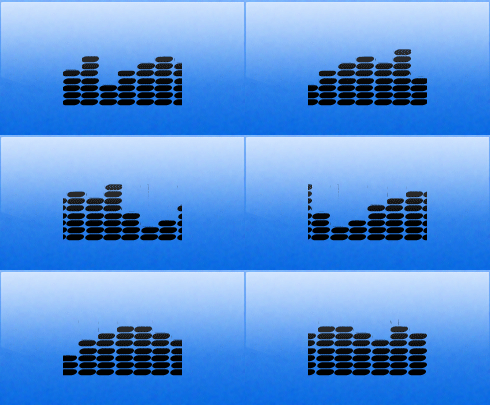
Hope you found this tut usefull.
