

Normally Affiliate buttons are 88*31 px, but to get a nice background on them, fist make a bigger canvas
1. Open a new canvas; 300*300
2. Press ctrl + D to reset your colors
3. Go to filer>> render> clouds
4. Now create new layer (ctrl + shift + N)
5. With your second layer go to filter>> render>> clouds
6. Then go to filter>> distort>> twirl and use this settings:
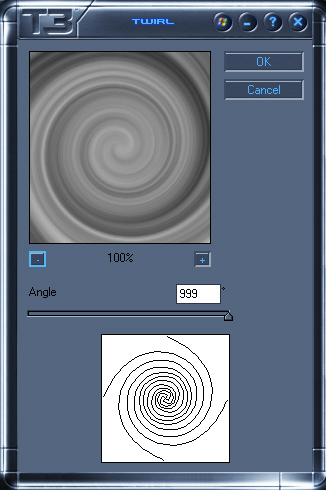
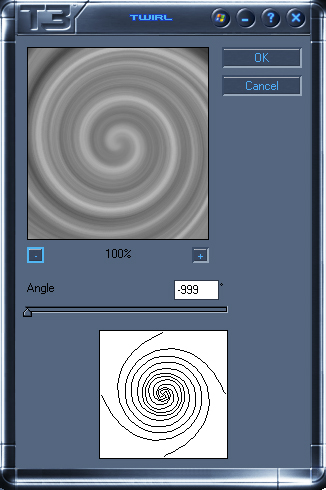
7. Now repeat step 5 + 6 only with this settings:
8. Now put set the blend mode for layer 2 + 3 to overlay
9. Now get your rectangular marquee tool and set it to fixed size
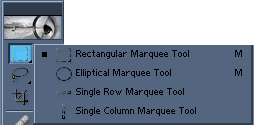

10. Now look for a nice piece you want on your button and if you find it, press ctrl + c (to copy
11. Open a new canvas with 88*31 and press ctrl + v to paste
BTW: Don't forget to press Ctrl+Shift+E. Otherwise you get the effect from layer1
Now your done, you can now add colors etc
These are a few I made:


