1. Make a new document, I used 300x300.
2. Select the Gradient Tool. Now set the Chrome gradient:

Set Difference blending change:

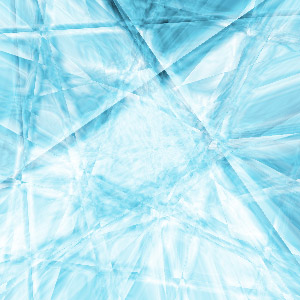
3. Go completely berserk and make tons of gradient lines until you get something like this:
(Image above is 0% quality)
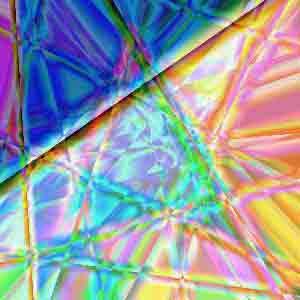
4. Now press Ctrl+U and this is where you get creative and make your own color. Try using saturation as well.

5. Duplicate the layer. Go to Edit>Transform>Rotate 90 CW.
6. Change the blending from Normal to Screen. And you will have something like this: