1. Make a 400x400 document. Now press "D" on your keyboard to reset the foreground and background colors to black and white. Make sure your background is white.
2. Apply Filter>Render>Clouds and right after that add Filter>Render>Difference Clouds.
3. Now go to Image>Adjustments>Invert. Then go to Image>Adjustments>Levels and use these settings (I just dragged the middle arrow to the far right):
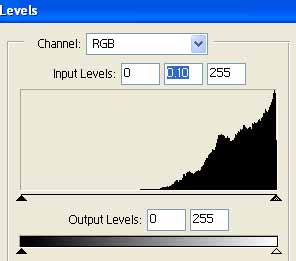
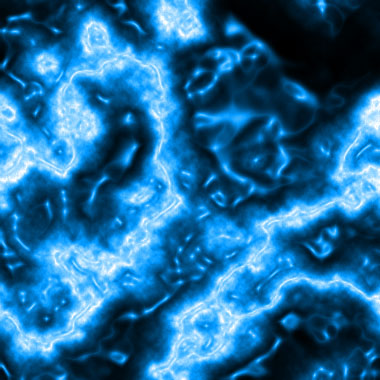
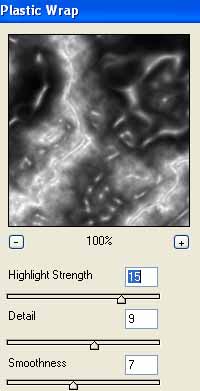
Now you got a Lightning effect. This is a cool effect already but we want to add some liquid to it to make it look ever more cooler. So go to Filter>Artistic>Plastic Wrap and use these settings:
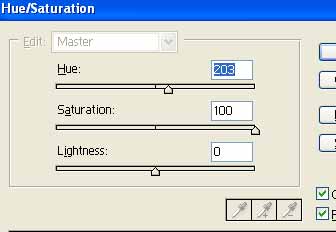
Almost done, just need color. Press Ctrl+U and use these settings: