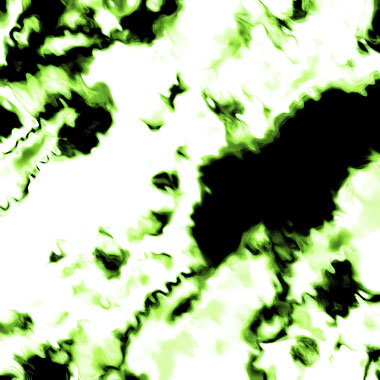
1. Make a 400x400 document. Now press "D" on your keyboard to reset the foreground and background colors to black and white. Make sure your background is white.
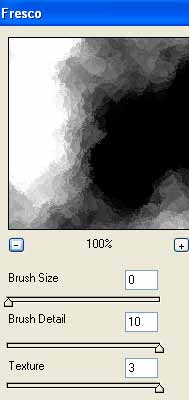
2. Go to Filter>Render>Clouds. Then go to Filter>Artistic>Fresco and use these settings:
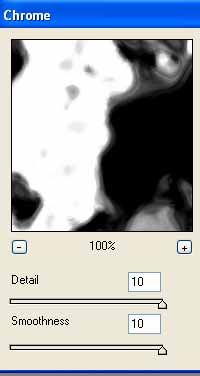
Now add some chrome, Filter>Sketch>Chrome:
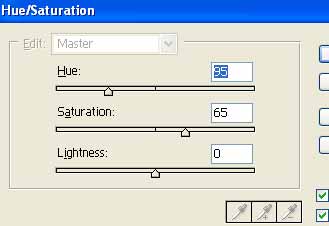
Now apply these Hue Settings (Ctrl+U):
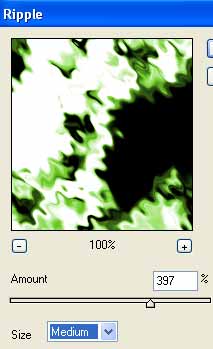
Duplicate the layer and add Filter>Distort>Ripple with these settings:
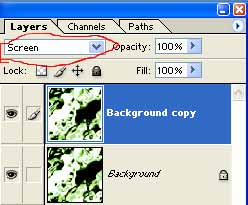
Change the duplicated layer blending mode to Screen.
As simple as that!