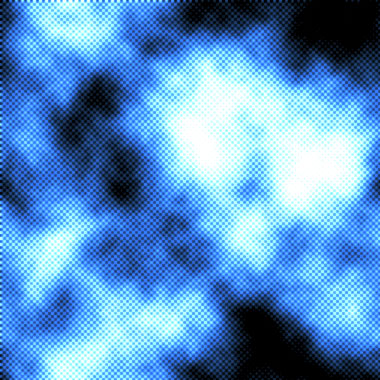
1. Make a 400x400 document. Now press "D" on your keyboard to reset the foreground and background colors to black and white. Make sure your background is white.
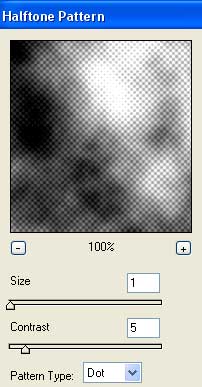
2. Apply Filter>Render>Clouds. The Filter>Sketch>Halftone Pattern and use these settings:
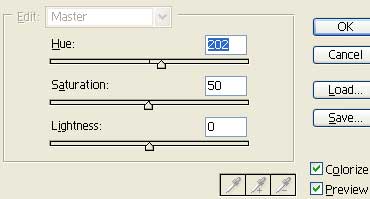
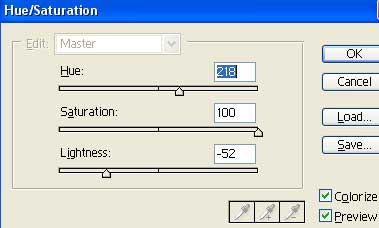
Apply these Hue settings (Ctrl+U):
3. Duplicate the layer and set the blending mode to color dodge:
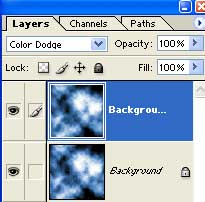
Apply these final Hue settings to the duplicated layer:
There you go, done! Here is my effect: