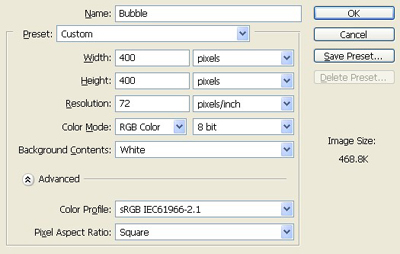
1. Take a new file of 400 pixels, 400 pixels,of the resolution 72 dpi in the RGB mode.
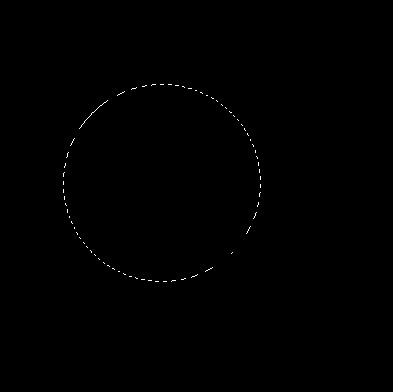
2. For better effect fill the background with the black colour as in the image.

3. Take the rectangular marqee tool and make a shape as in the image below.
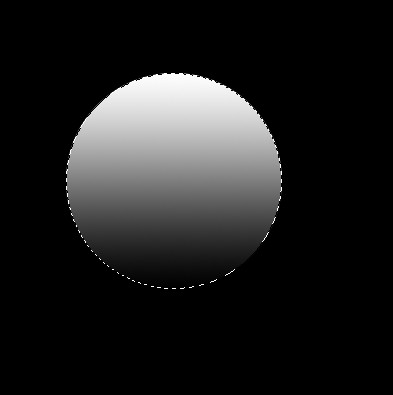
4. Select the gradient and apply these settings which are given below.

5. Fill the gradient as in the image below.
6. Make the selection small with the transform selection tool.
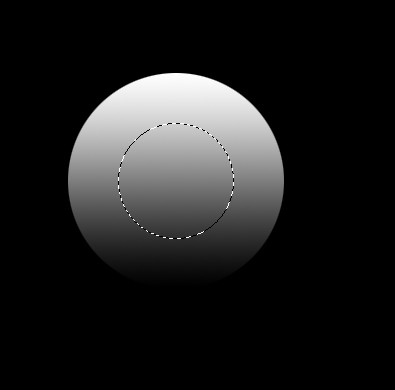
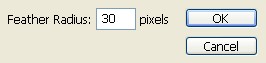
7. Give the feather of given quantity in the image or it depends upon the size of your image.
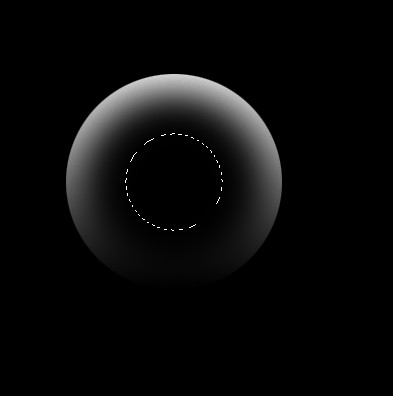
8. Press Delete untill you did not get the image similar to this.
9. Now make the selection small with the transform selection tool and fill the white colour to it as in the image below.
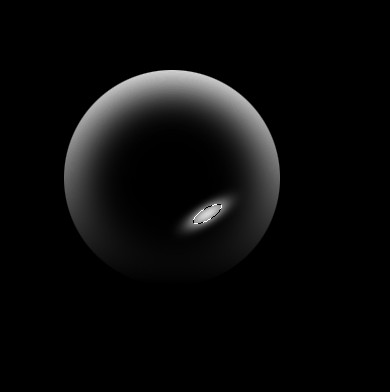
10. Do the same thing on the other side your image will be like this.
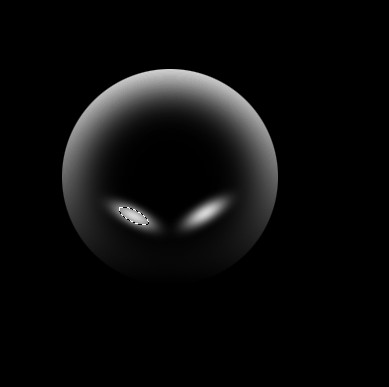
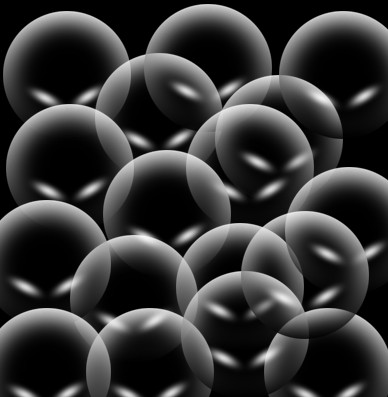
11. Make some copy of it to make some bubbles.
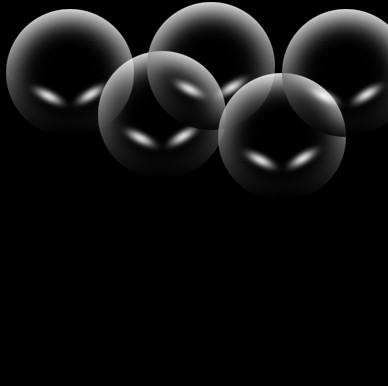
12. Now fill the whole file with the bubble and your image will be as beautiful as mine.