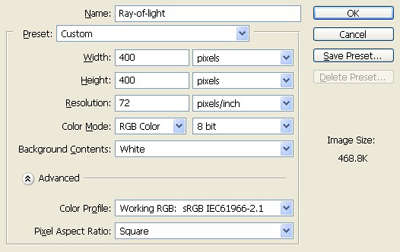
1. Take a new file of 400 pixels,400 pixels, of resolution 72 dpi in the RGB mode.
2. Fill the black colour to it .

3. Choose the setting of the gradient as below.

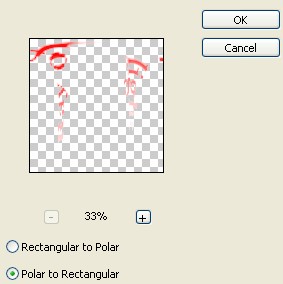
4. Type any text and goto Filter > Distort > Polar coordinates and apply the settings which are given below.
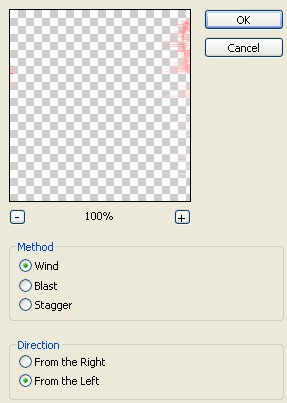
5. Goto Filter > Stylize > Wind and apply the settings which are given below.
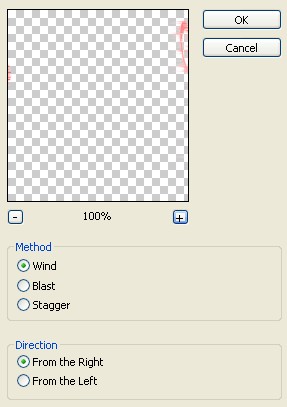
6. Now again apply the same Filter and the settings which are given below.
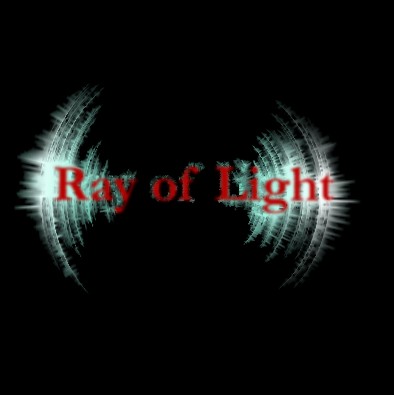
7. Your image will be like this.
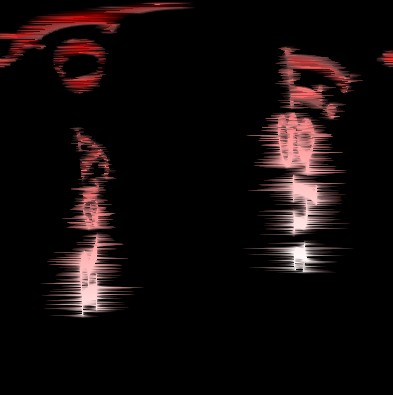
8. Now parden the same stylize effect by rotating canvas 90*cw then after giving the effect rotate it again 90*ccw to return it at the same position.
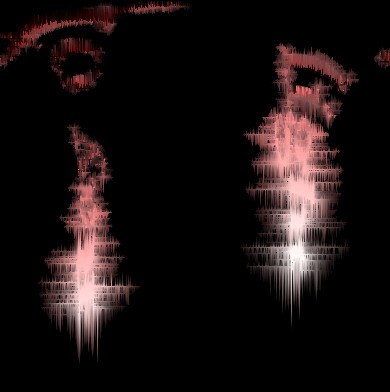
9. Goto Filter > Distort > Polar coordinates and apply the rectangular to polar and your image will be like this.
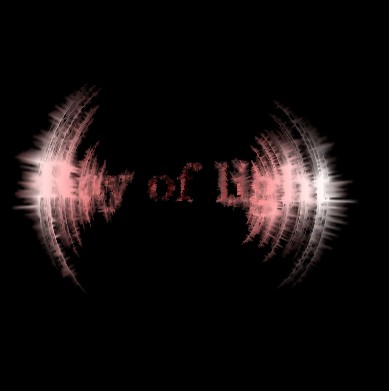
10. By giving some effect you can make the image more beautiful.