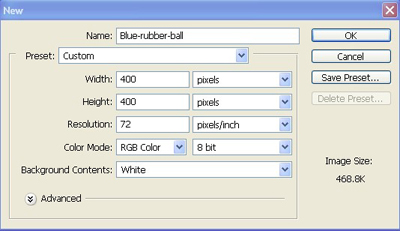
1. Firstly I have taken a new file of height = 400 pixels, width = 400 pixels and resolution of 72 dpi in the RGB mode.
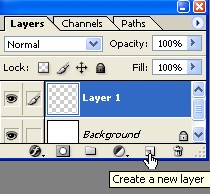
2. Make a new layer from the layer palette.
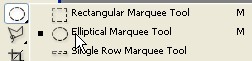
3. Take a rectangular marquee tool and the elliptical stile.
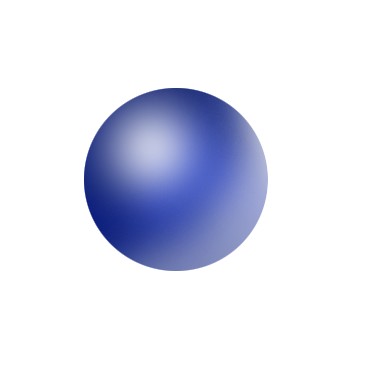
4. Create a shape with the help of shift key so their will be upper effect circle as shown below.
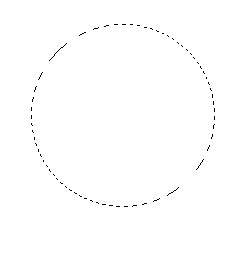
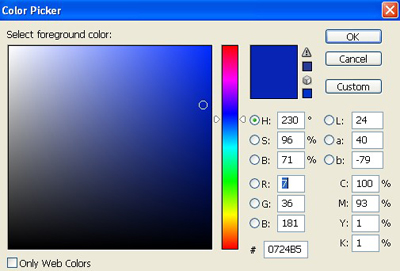
5. Take the color from the color palette of the color coding #0724B5 as shown below.
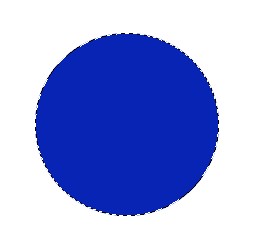
6. Fill the color in the shape as shown below.
7. Take the setting of the brush as I have taken in the next fig.
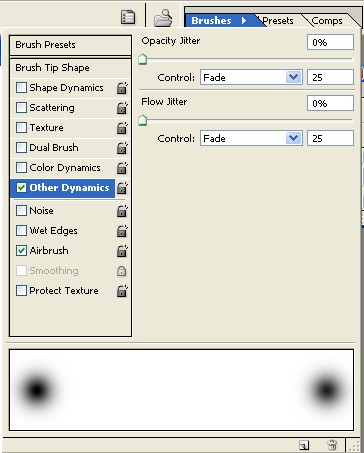

8. In the next step I have use the brush tool to make it dark from the edges.
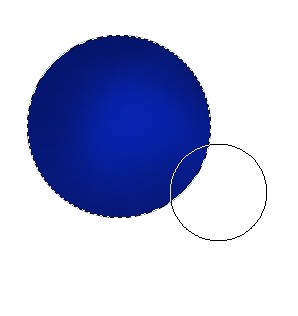
9. Make a new layer from the layer palette.
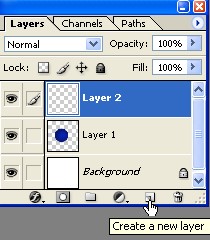
10. Use the setting of the brush tool which I have use to it.

11. In the next step I have use the brush tool to make the ball more realistic.
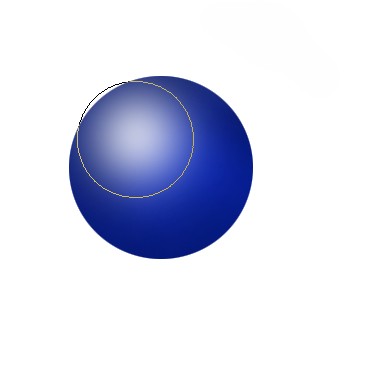
12. I have again done the setting in the brush tool as showing you in the next fig.

13. For the another step I have again chosen the brush tool and to make it bright from the edges below.
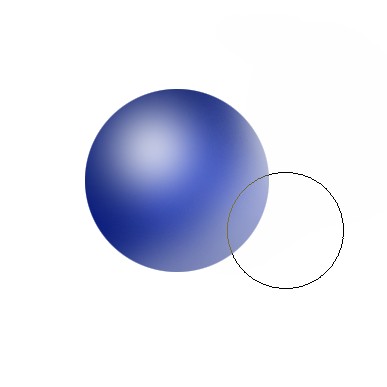
14. The final image will be as below.