To begin, select an image that you would like to apply the Smoke Overlay to. In this example, I will use the results of a previous tutorial that I made.

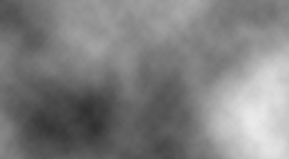
Next, make certain the Foreground is Black and the Background is White . Now create a new layer, then go to the main menu and select " Filter " then " Render " and lastly " Clouds"
Now right click on the cloud layer and select " Blending Options ".
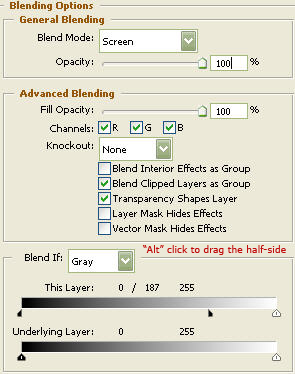
You may now click "OK."
The Results!!!
Another simple tutorial that gives a great effect.