To begin, draw a black rectangle using the "Rectangle Tool."

Next, using the "Rectangle Tool" draw yet another rectangle but this time, make sure it's white as I have done below.
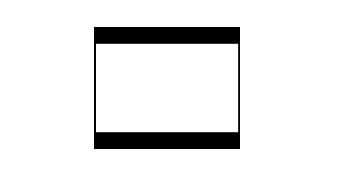
Now right click the white rectangle layer and select, "Blending Options...". Now click on "Inner Glow".
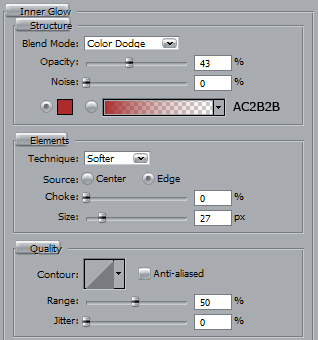
Do not click OK yet. Still more to do.
Now click on "Gradient Overlay".
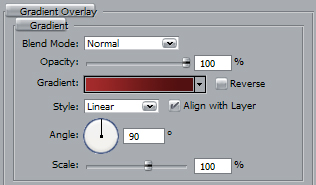
Use color settings below.

You should now have the following:

Now select the "Rounded Rectangle Tool" and draw out a series or rectangles as I have done below.

Lastly, add some "Drop Shadow" to the black rectangle and "Inner Shadow" to the small white rectangles.

The Results!!!
I've added some images among other things to the film blocks to make it a bit more lively. The skys the limit. Have fun!!!