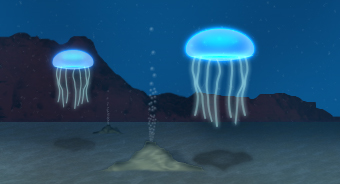
I began this tutorial with a background of an underwater scene that I created but you can use a simple dark blue color. I then created the below shape using white as the foreground color. To create the shape, I drew out a circular shape using the "Ellipse Tool", then I selected the bottom anchor point using the "Direct Selection Tool" and moved the anchor point up using the up arrow on the keyboard.
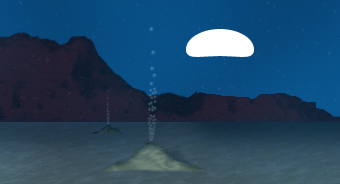
Now that you have your shape, you can now right click on the shape layer and select, "Blending Options...". Now click on "Outer Glow".
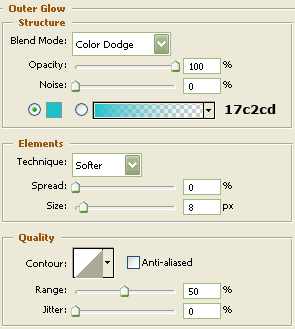
Do not click OK yet... still more to do
Now click "Inner Glow".
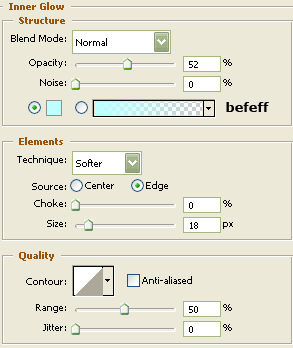
Do not click OK yet... still more to do
Now click "Satin".
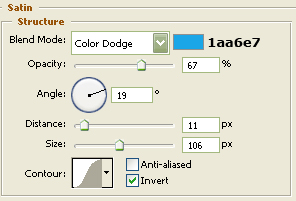
You may now click OK.
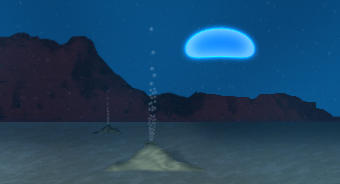
You should now have the following.
Now create the shape below the head of the fish using the "Pen Tool".
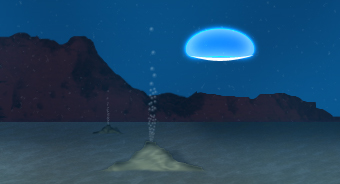
Follow steps two, three and four to get the following results.
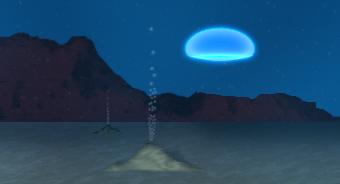
I then created a line using the "Rounded Rectangle Tool" and then added some anchor points and move them to give it a wavy effect like below.
Now right click on the shape layer and select, "Blending Options...". Now click on "Outer Glow".
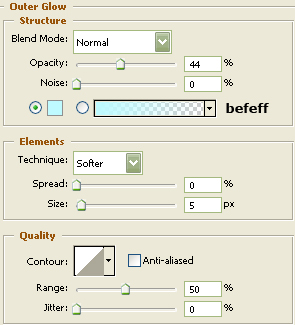
Do not click OK yet... still more to do
Now click "Inner Glow".
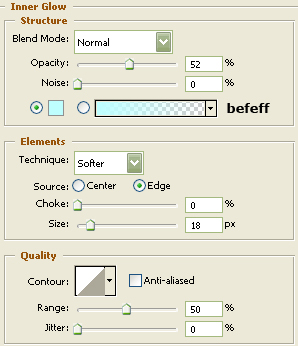
You may now click OK.
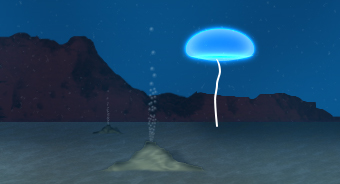
The Results!!!
Using the "Brush Tool" I added some highlights in the head of the ocean dwelling creature and added some noise as well.