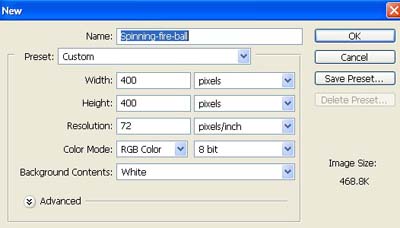
1. Take a new file of 400 pixels,400 pixels, of resolution 72 dpi in the RGB mode.
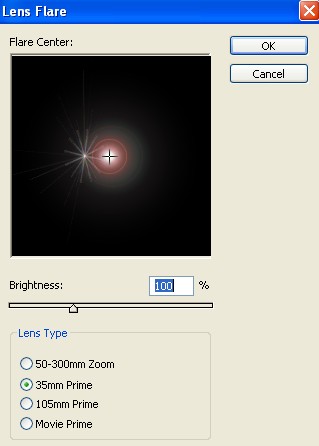
2. Go to Filter>Render>Lens Flare apply the following settings.
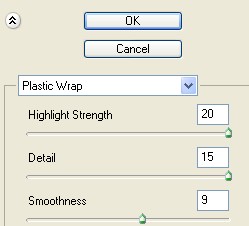
3. Now go to Filter>Artistic>Plastic Wrap and apply these settings.
4. Your image will look like this.
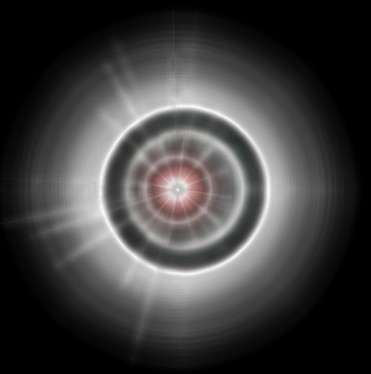
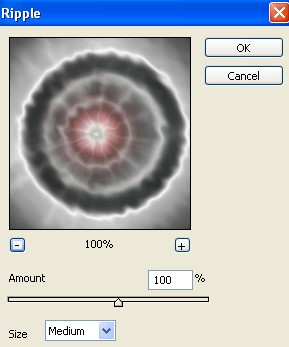
5. Go to Filter>Distort>Ripple use these settings.
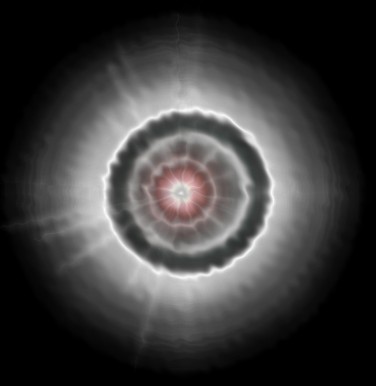
6. Your image will look like this.
7. Then go to Filter>Distort>Twirl.
8. I cranked the twirl to +999 the highest it can go.
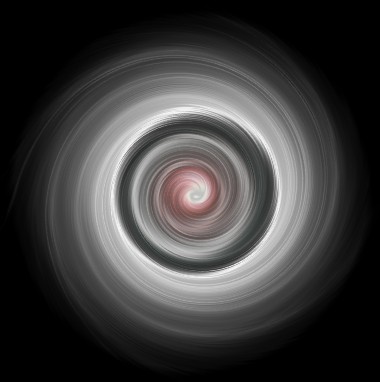
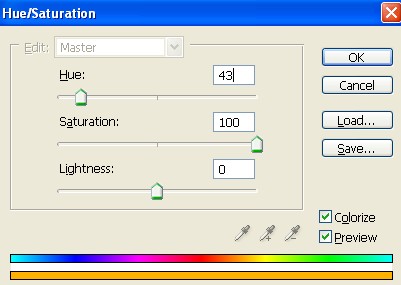
9. Lets add some color, click Image Adjustments, Hue/Saturation apply the following setting.
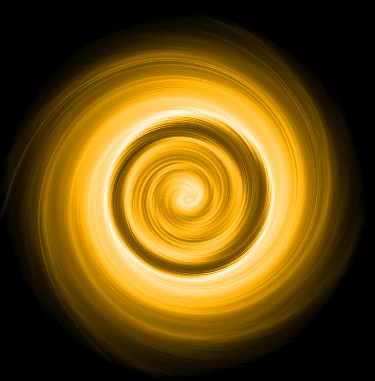
10. Your image will look like this.
11. Make the copy of layer 1 and change the blending mode option "Multiply" as shown fig. below.
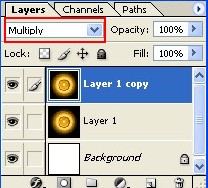
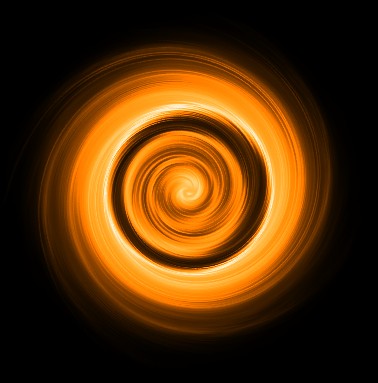
12. Your final image will look like this.