


Step 1:
Open a 80x80 new document.
Step 2:
Set foreground color - #58a900
Set background color - #4ecd00
Step 3:
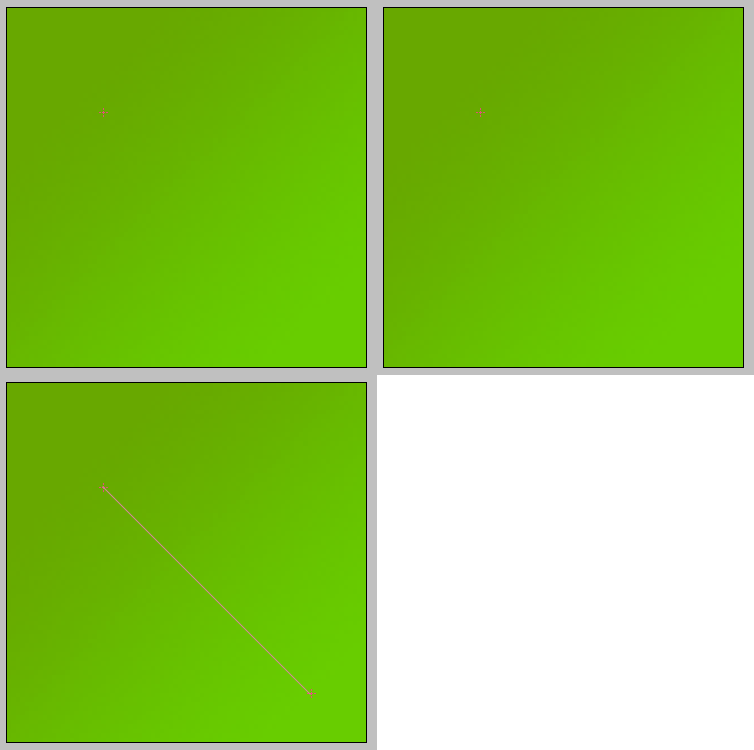
Use the gradient tool
Step 4:
Add 1px stroke inside [#3b7200] to the layer.
Step 5:
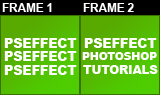
Add 3 lines text to this avatar. Add another 3 lines in separated text layer in the same place as the first text layer.
So, we currently have 2 frames of text.
Step 6:
Duplicate the first text layer and select the bottom text layer.
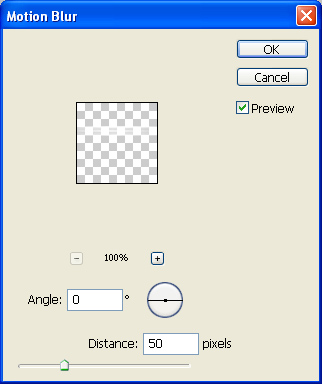
Go to : filter-blur-motion blur and press OK. then set it to 0 angle and distance 50 pixels.
Step 7:
Go to image ready

Step 8:
Hide the text of frame 2 and the motion blur layer.
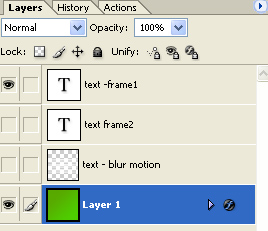
Now, duplicate the current frame:

Unhide the motion blur layer and hide the rest except of "layer 1".
Then, duplicate the current frame again and unhide "text-frame2" and hide the rest except of the "layer 1".
Duplicate the current frame again and unhide the motion blur layer and hide the rest except of "layer 1".
Step 9:
Make a delay of 2 sec. for the first frame and the third frame. frame 2 and 4 should be with 0 sec. delay.
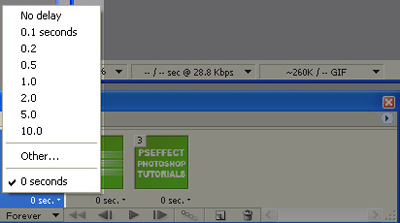
Here's my result:

