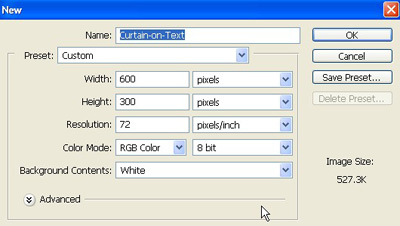
1. Take a new file of 600 pixels 300 pixels resolution 72 dpi in the RBG mode.
2. Press "D" on your keyboard to reset the Foreground and Background colors.
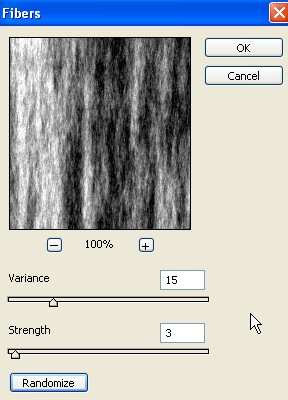
3. Then go to Filter>Render>Fibers use the following settings.
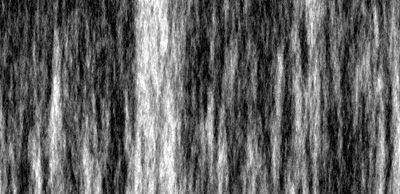
4. Your image looks something like this.
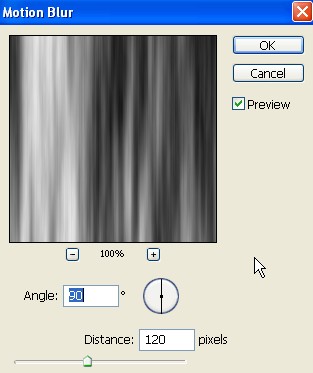
5. And now go to Filter>Blur>Motion Blur use the following settings.
6. Your image look like this.
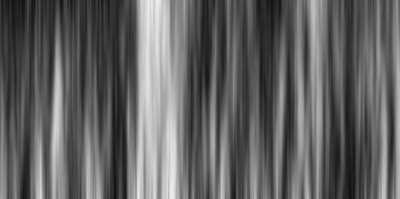
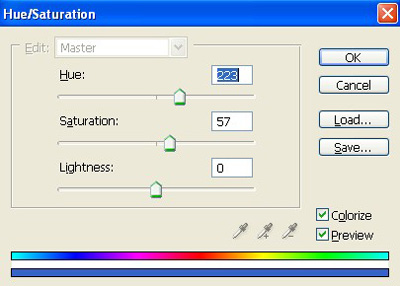
7. And now add some color press Ctrl+U apply the following settings.
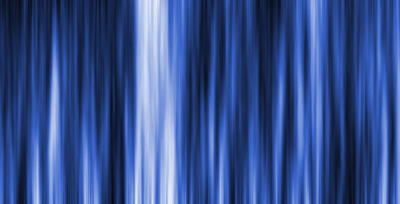
8. Your image should be look like this.
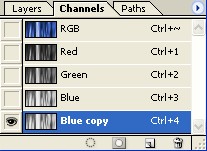
9. Then go to the Channels Pallet make the copy of Blue as shown image below.
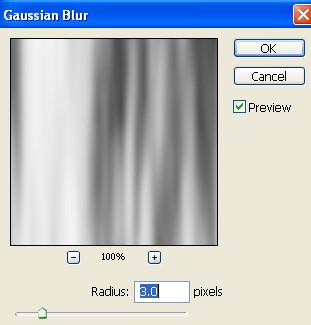
10. Now go to Filter<Gaussian Blur apply these settings.
11. Your image look something like this.
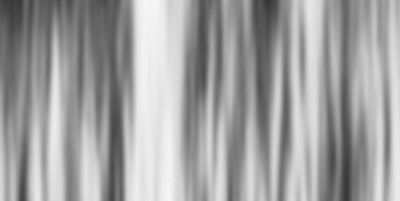
12. Save it an your Desktop because you'll need it later.
13. Let's return to the original documents.
14. Take the text tool
 and write something.
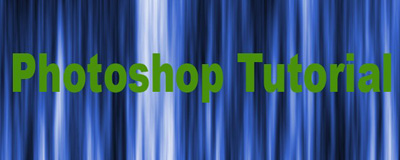
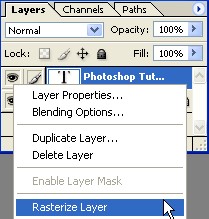
15. Now Rasterize the layer as shown image below.
16. Then go to Filter>Distort>Displace and click ok.
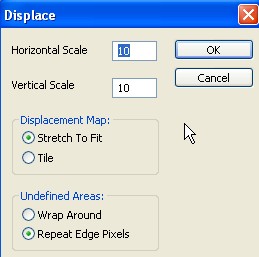
17. Go to your desktrop and select the PSD file that you've create earlier.
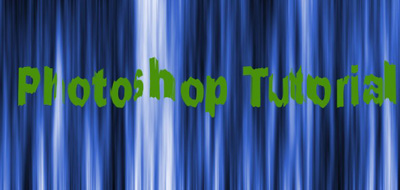
18. And now finally you can change the Blending mode Color Dodge.
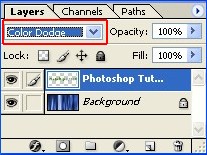
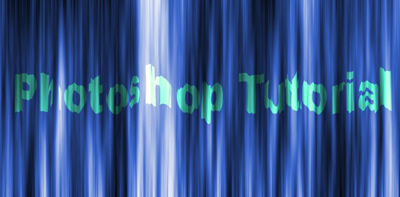
19. Your final image look like this.