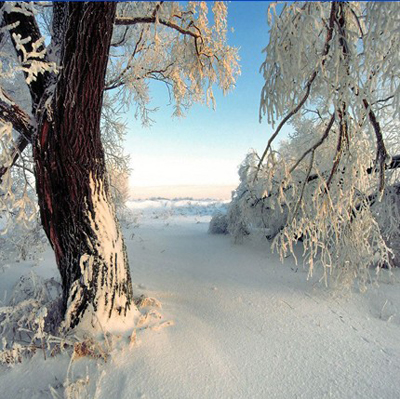
1. First of all take two images as you like Both image select an image . As shown below
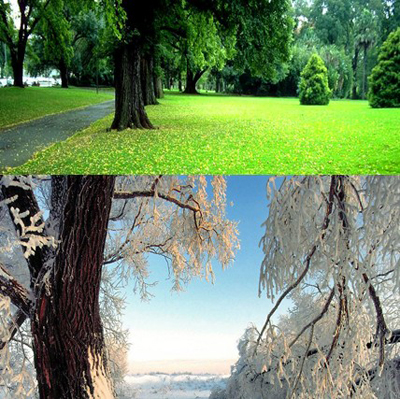
2. Thus convert two in one image as shown below
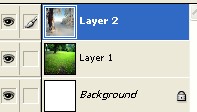
3. Layer window will be look like this
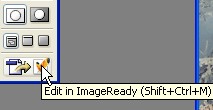
4. Now click Edit in Image Ready as shown below
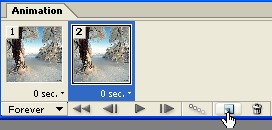
5. After that open to imageReady you should click on this icon to duplicate current frame which is appearing below by hand
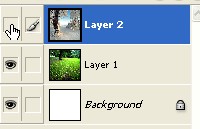
6. Now hide eye to Layer2 from the layer window
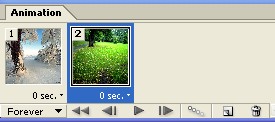
7. Now your Animation window look like this
8. Click on this icon 'Tween' As shown below by the hand
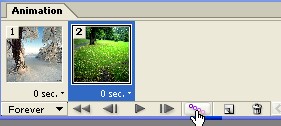
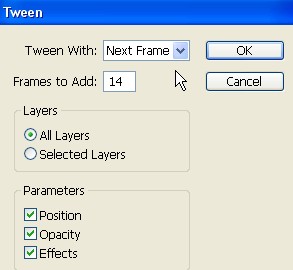
9. After that click on Tween you will be sow this image now use the settings below
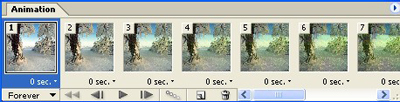
10. Now your Animation window look like this
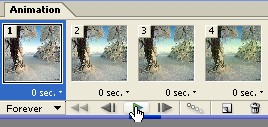
11. Click on this icon for Play as shown below by the hand
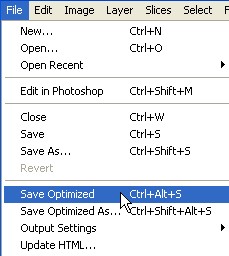
12. Now go to File>Save Optimized.
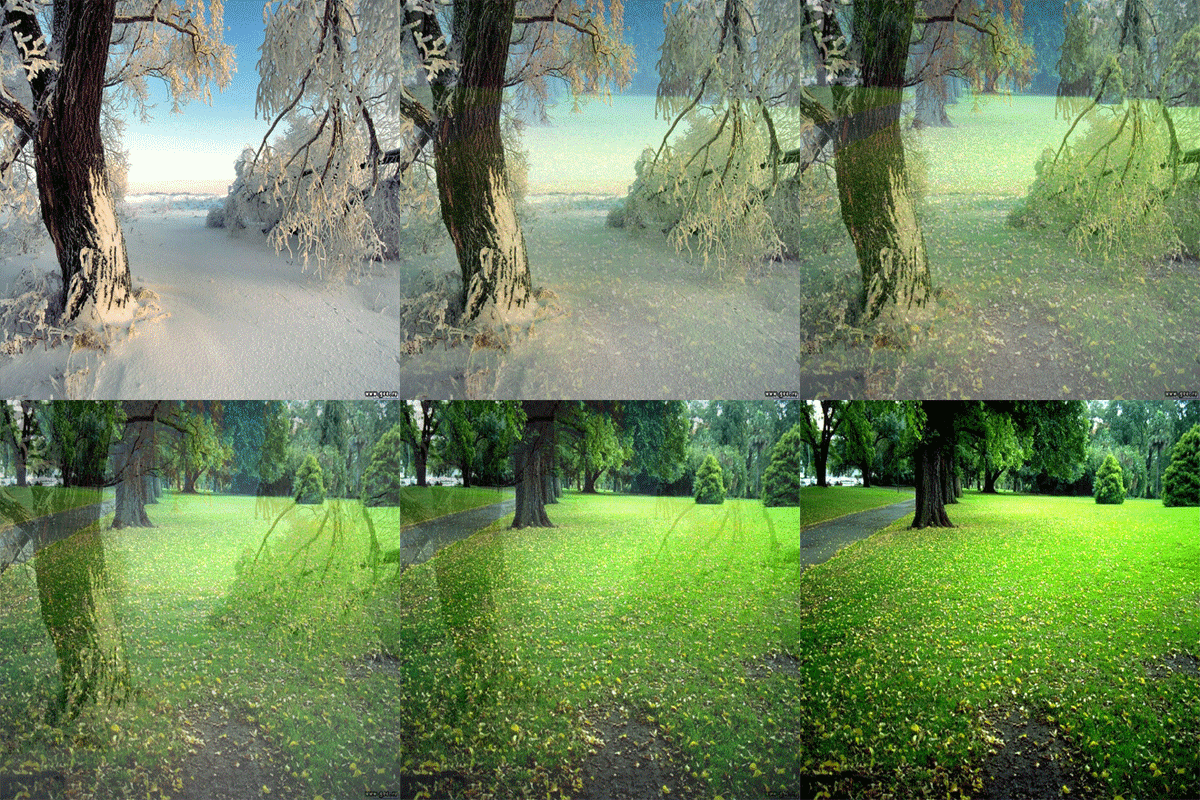
13. Your animation image has been completed