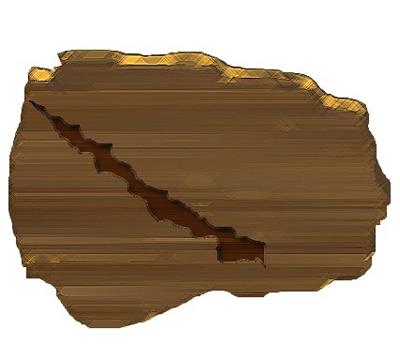
1. First of all open a new document size=420x420 pixel 96resolution,RGBcolor mode
2. Create a new Layer from the Layer window or press the Ctrl+shift+N now fill the color# 70502D

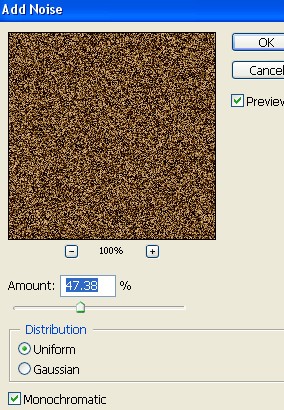
3. Now go to Filter>Noise>Add Noise and use the following settings
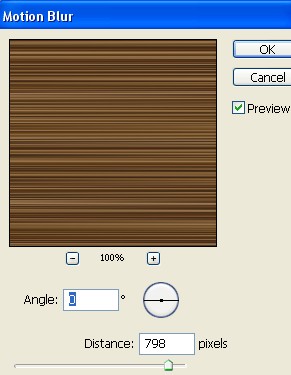
4. Now go to Filter>Blur>Motion Blur use the setting below
5. Create a new shape with the help of the Lasso tool.
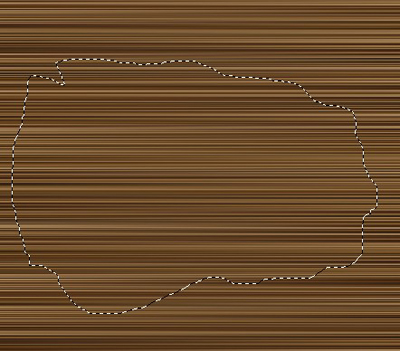
6. Now press Ctrl+Shift+I and press the Delete key on your keyboard. After that Press the Ctrl+J copy to the Layer1 .
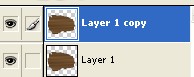
7. Select the Layer1 and press Ctrl+Click now fill the color #423113, now drag the image upward with the help of the Move tool. now select the Layer1copy and press the Ctrl+E
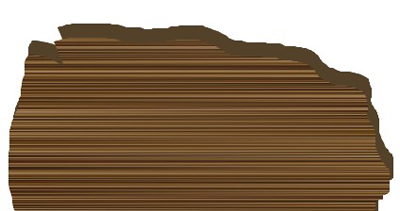
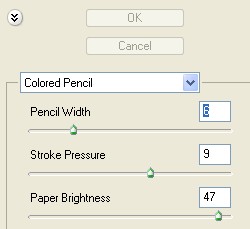
8. Now go to Filter>Artistic>Colored Pencil use the following settings
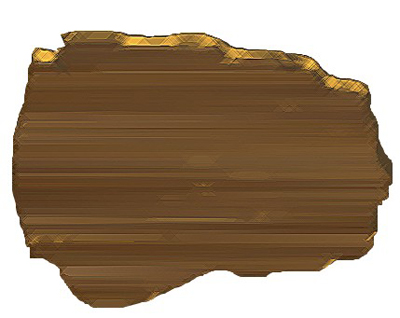
9. Your image should look like this
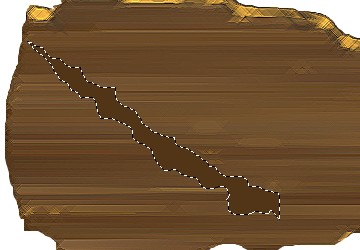
10. Create a new Layer2 and create a new shape with Lasso tool and fill the color#423113
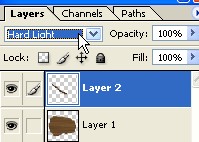
11. Now set the Blending mode to the Hard Light. As shown below
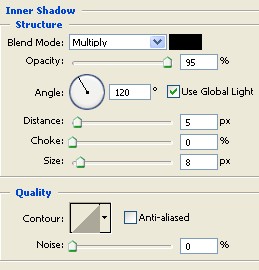
12. Double click on this Layer2 and select the Inner Shadow from the Layer style and use the following settings
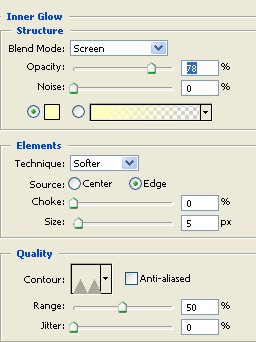
13. Now select the Inner Glow and use the following settings
14. Your image has completed . As shown below