1. First of all open a new document size 400x400 pixel, 96 resolution, RGBcolor mode,Background Contents -Transparency
2. Take a new image for shape and make selection with Pen tool as shown below
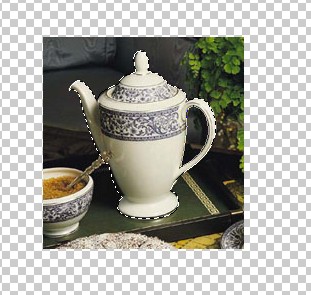
3. Now create a new Layer from the layer window
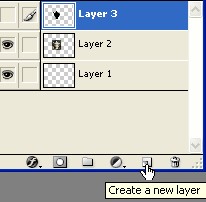
4. Fill the Black color with Alt+Backspace now press the Ctrl+D to deselect
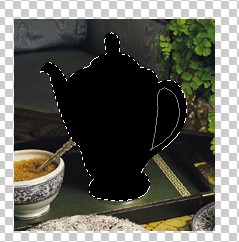
5. Now create a new shape with the pen tool as shown below and press the 'Delete' key on your keyboard .
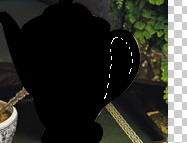
6. Finish the Original image from the Layer window
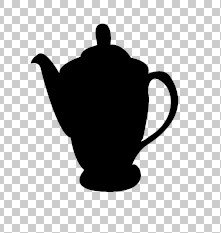
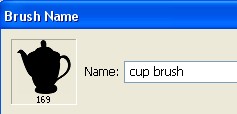
7. Now Go to Edit>Define Brush Preset and type any name for Brush shape
8. Select the Brush option .Above the Layer window and set the Space for the Brush shape in Brush Tip Shape. as shown below
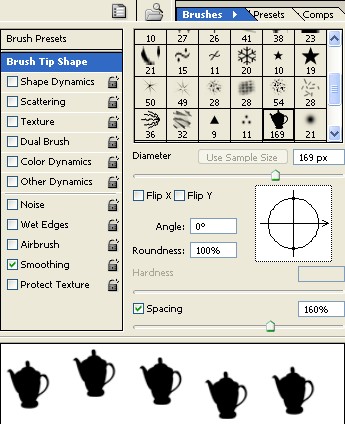
9. Now select the Shape Dynamics and use the settings below .
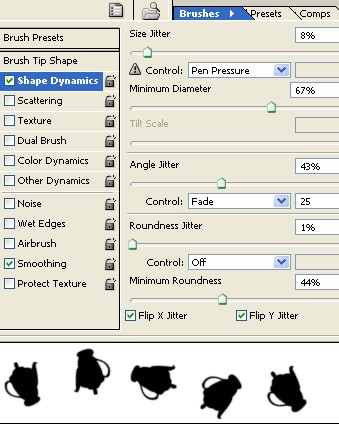
10. Now apply the Scattering and use the following settings below
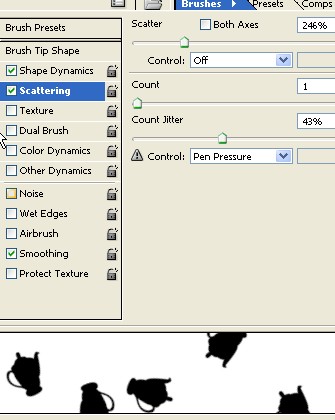
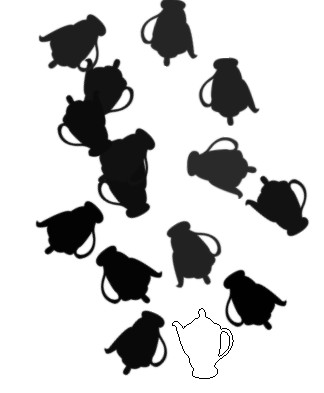
11. Now your Brush is defined. and now take a new document with white back ground and use the Brush shape.