Her

Home Photoshop Tutorials Photo Editing Learn to Modify a Photograph Edges and Make Them Blurry

Learn to Modify a Photograph Edges and Make Them Blurry

Author: Photoshopexpo.com Author's URL: www.photoshopexpo.com More by this author

1. First choose any Image you like.
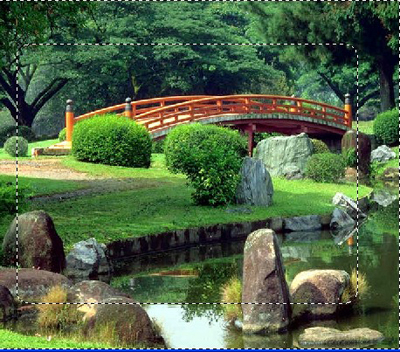
image 1

2. Now create a new rectangle with Rectangular marquee tool
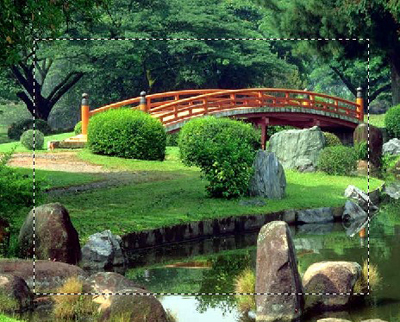
image 2

3. Go to Select>Feather= radius=20 pixel
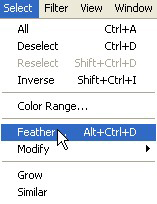
image 3

4. Now press the Ctrl+Shift+I and now press the 'Delete' key on your keyboard
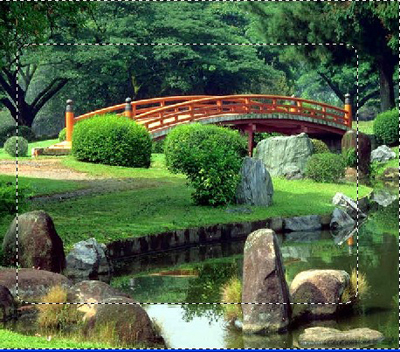
image 4

5. Now your final image should look like this.
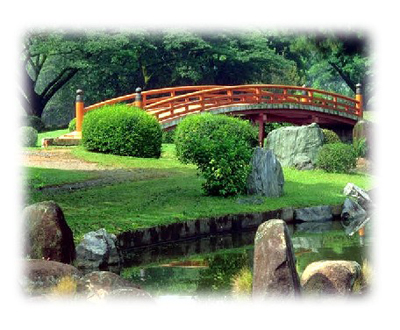
Learn to Modify a Photograph Edges and Make Them Blurry
